First of all thank you all very much for your helpful answers!
I was originally hoping to fix this issue at the source. If it is actually cracks in the emulsion, both changing the diffusion and the wetgate sound like a great ideas to try. I haven’t tried either so far because I didn’t (until now) have issues with scratches, which I mainly considered these for. Also there really isn’t much space left on my machine  .
.
If what I see in my frame is fungus, that might explain why it didn’t come off easily with the film cleaner. I seem to remember an older thread on this forum where the solution to removing fungus was a more thorough cleaning of the problematic film section with distilled water. The fungus in that case looked very different, though.
It seems the most practical solution is to try and remove the “cracks” in post (and rely on that they are anyway much less visible in a moving picture). I had actually done this before and you can see the result (before & after) below. It’s quite good actually, but not entirely gone, which is why I had hoped to fix the problem at an earlier stage in the process. That said, the result is absolutely usable.
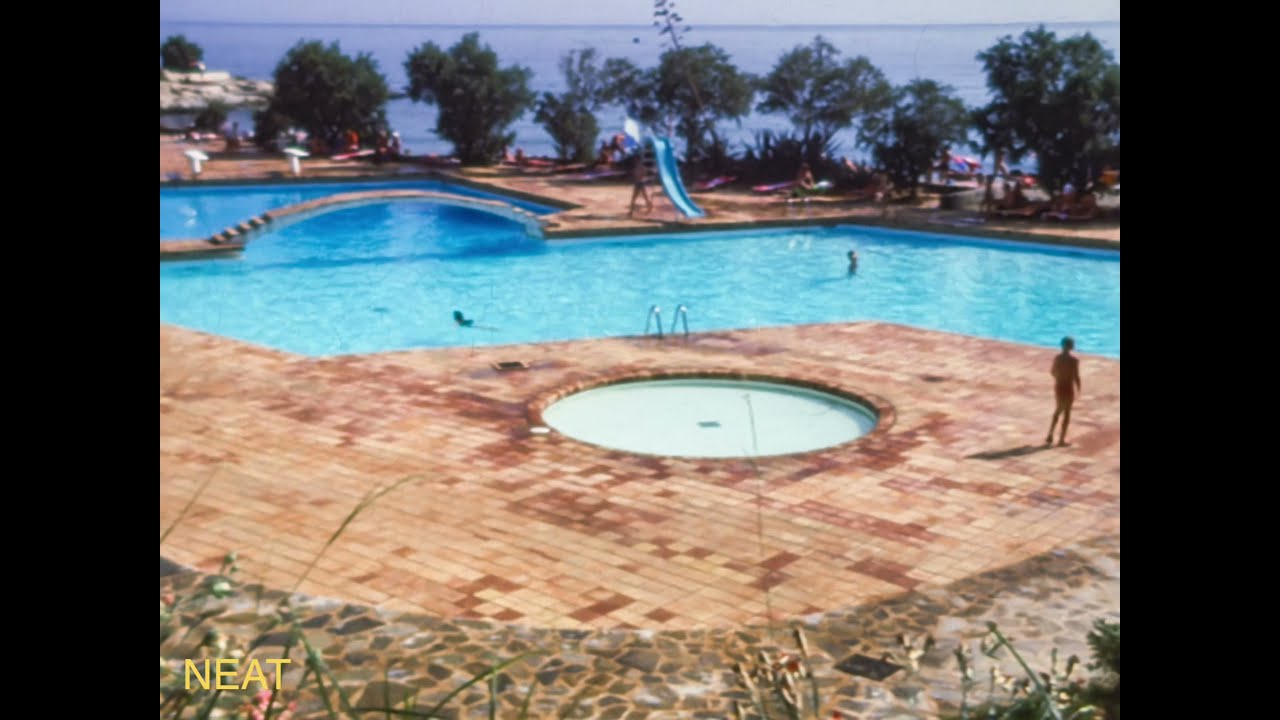
I’m using a Mac, so using AviSynth wasn’t an option for me. I’ve been using Neat Video instead. If anyone would like try and do same using AviSynth, here is the original video file.
Note that I have actually done denoising and sharpening in addition to the dust and scratch removal (all in Neat Video). Also note that this is actually a scan made before cleaning the film. Rendering the new scan takes a while and I just didn’t have the time yet.