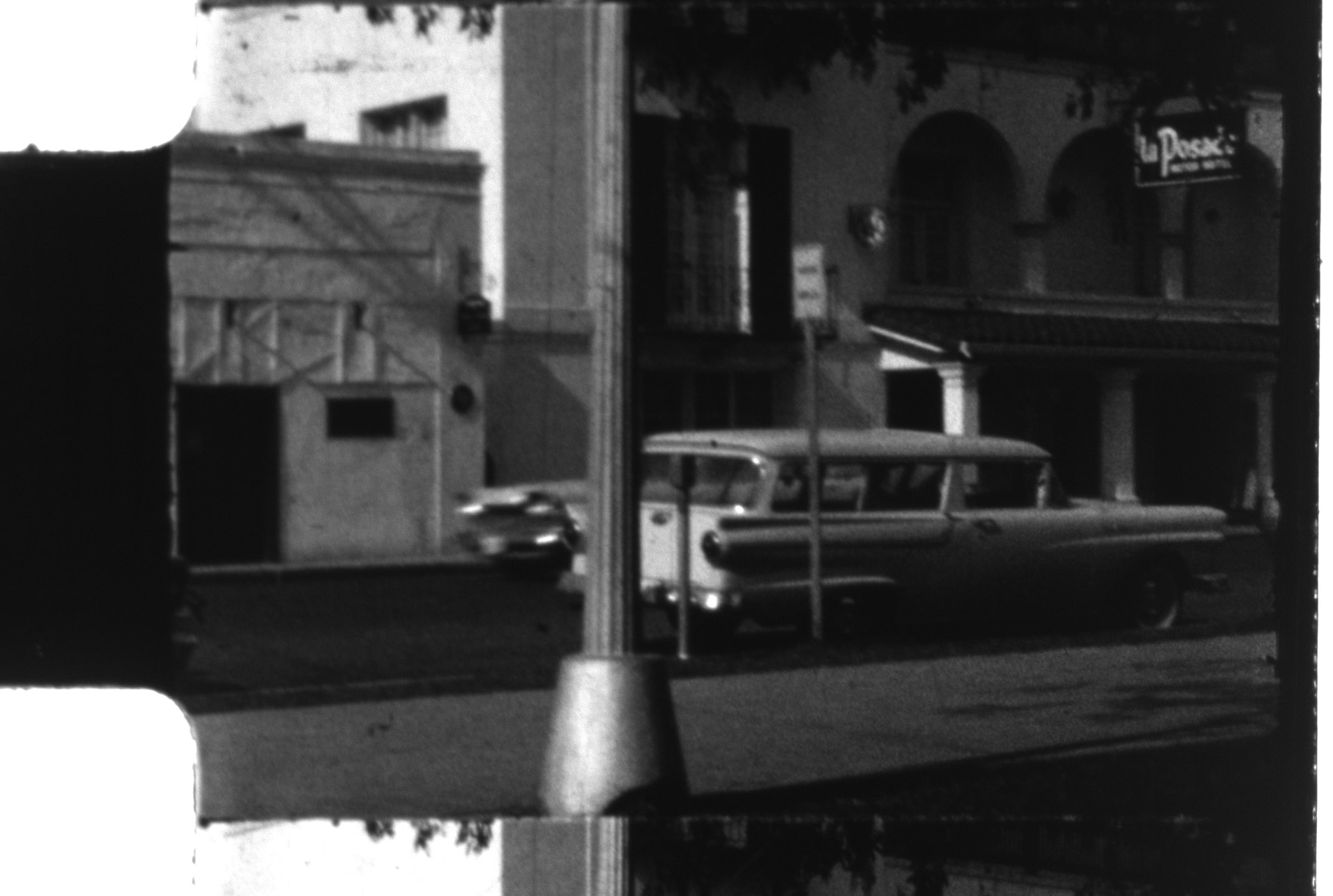
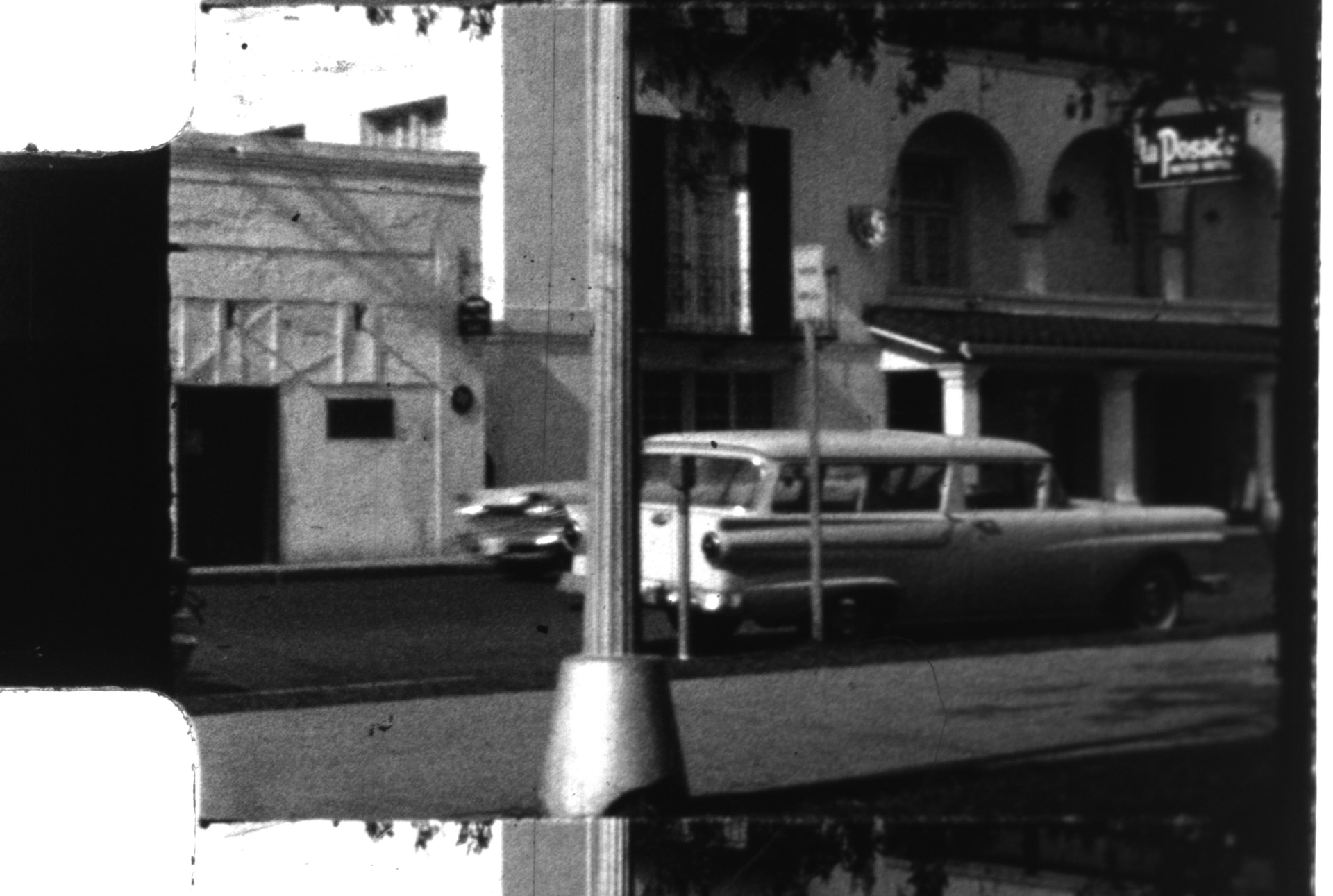
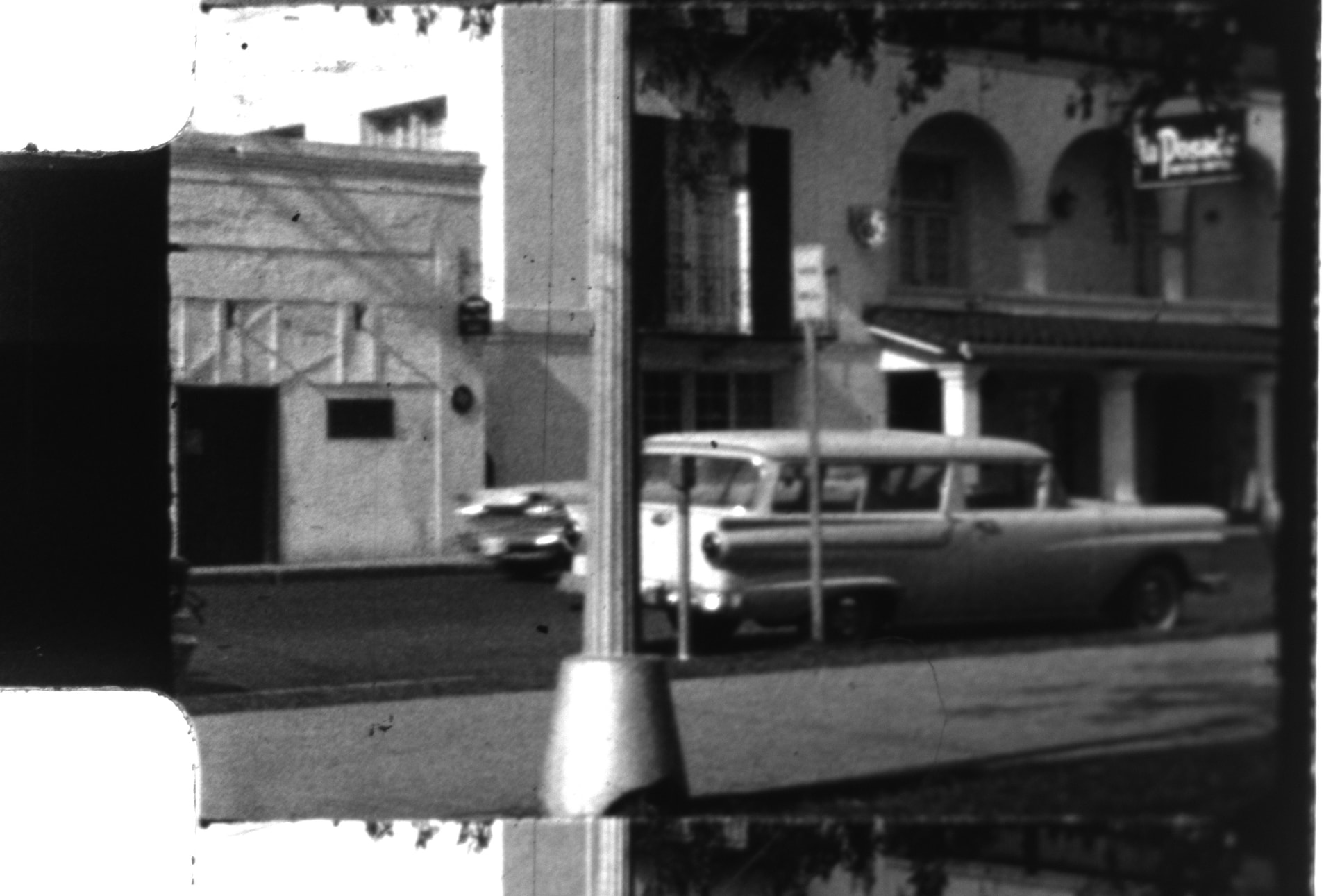
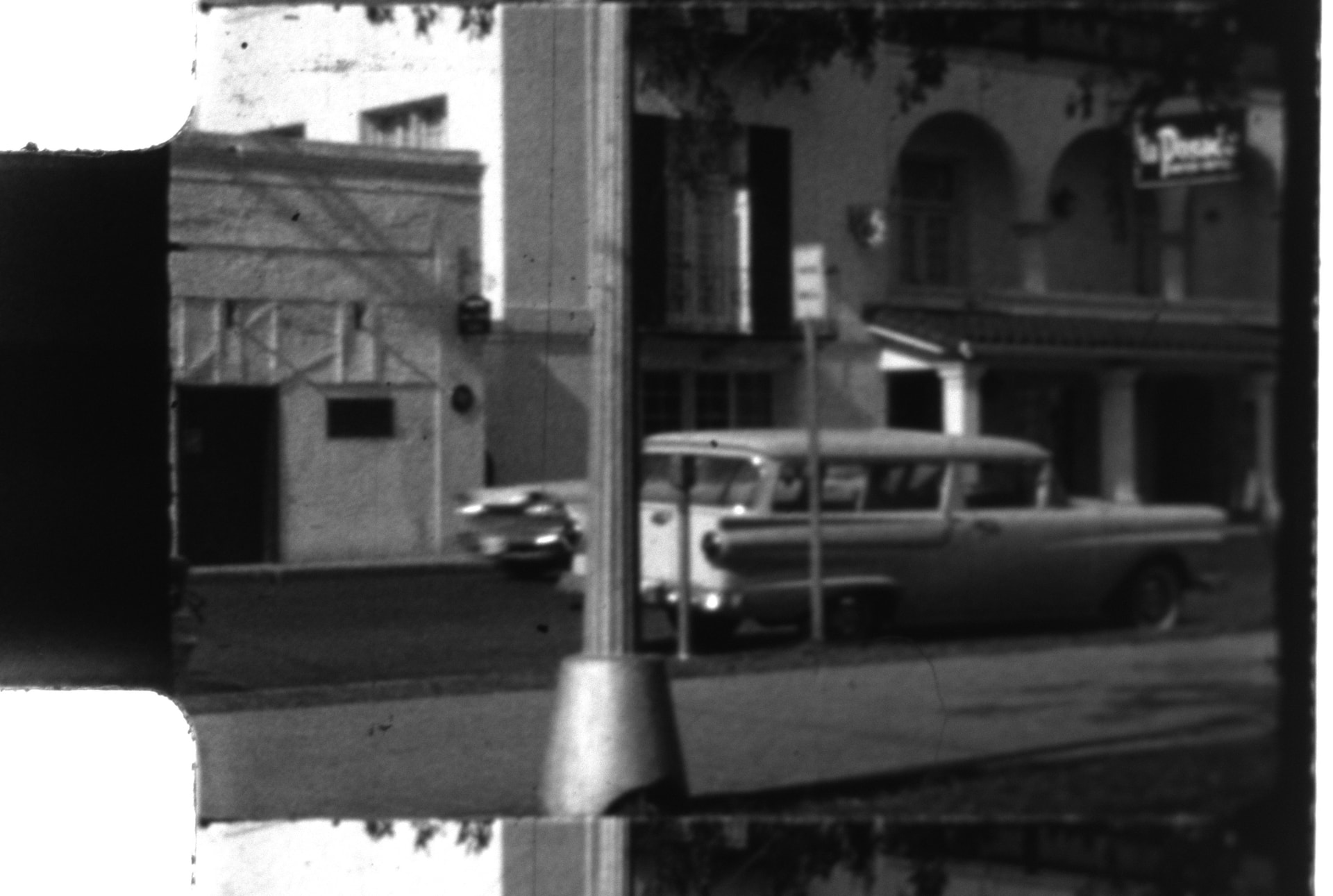
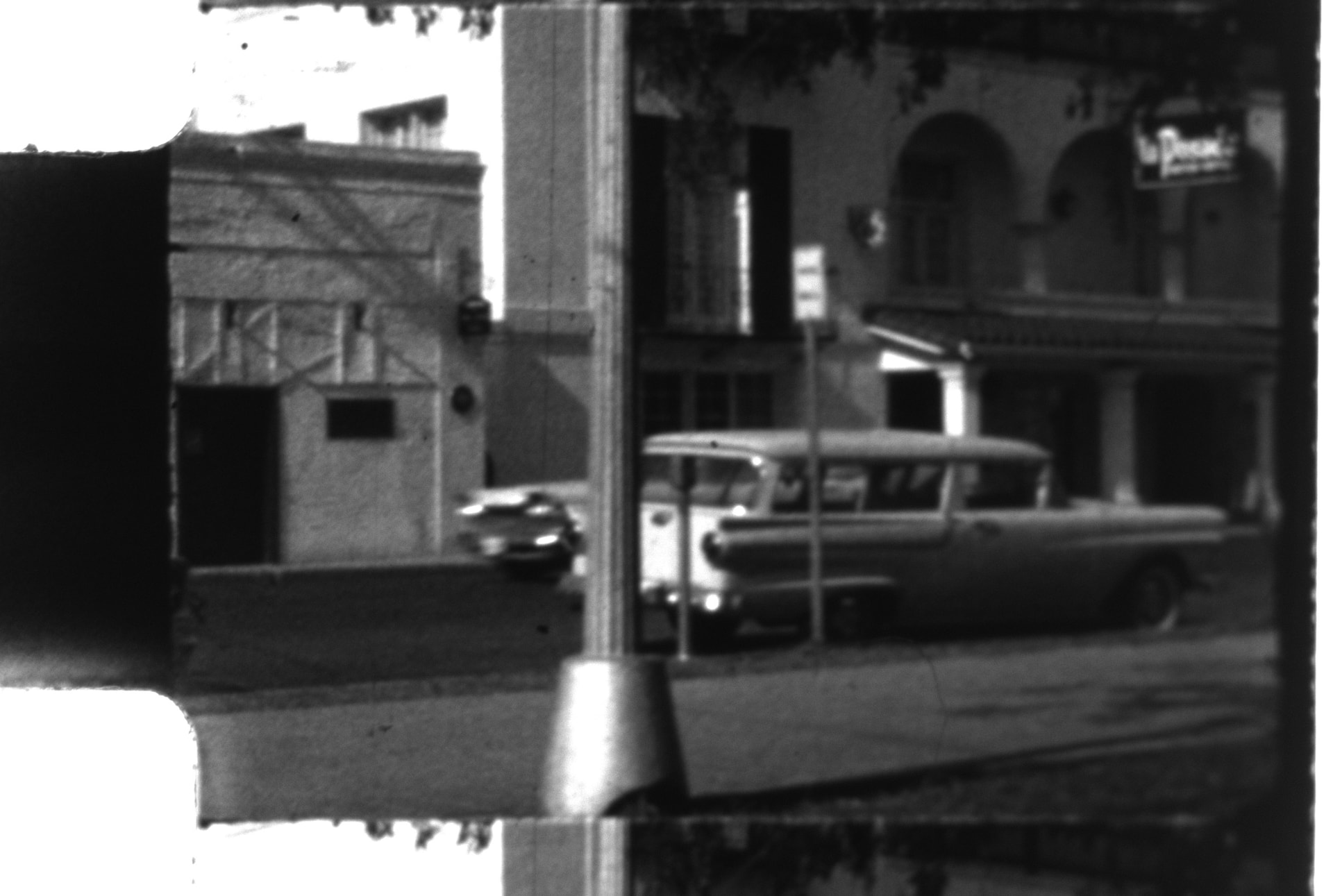
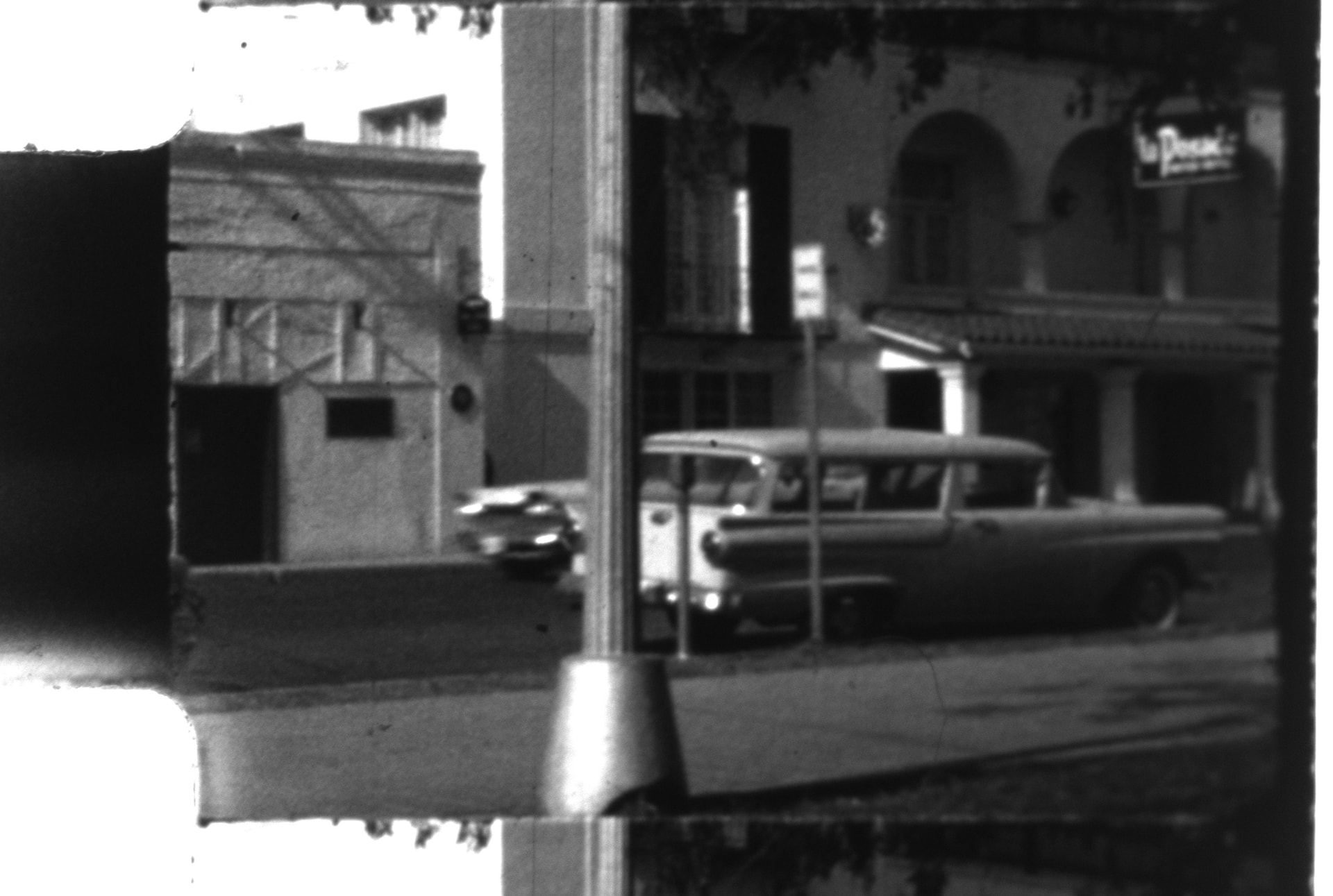
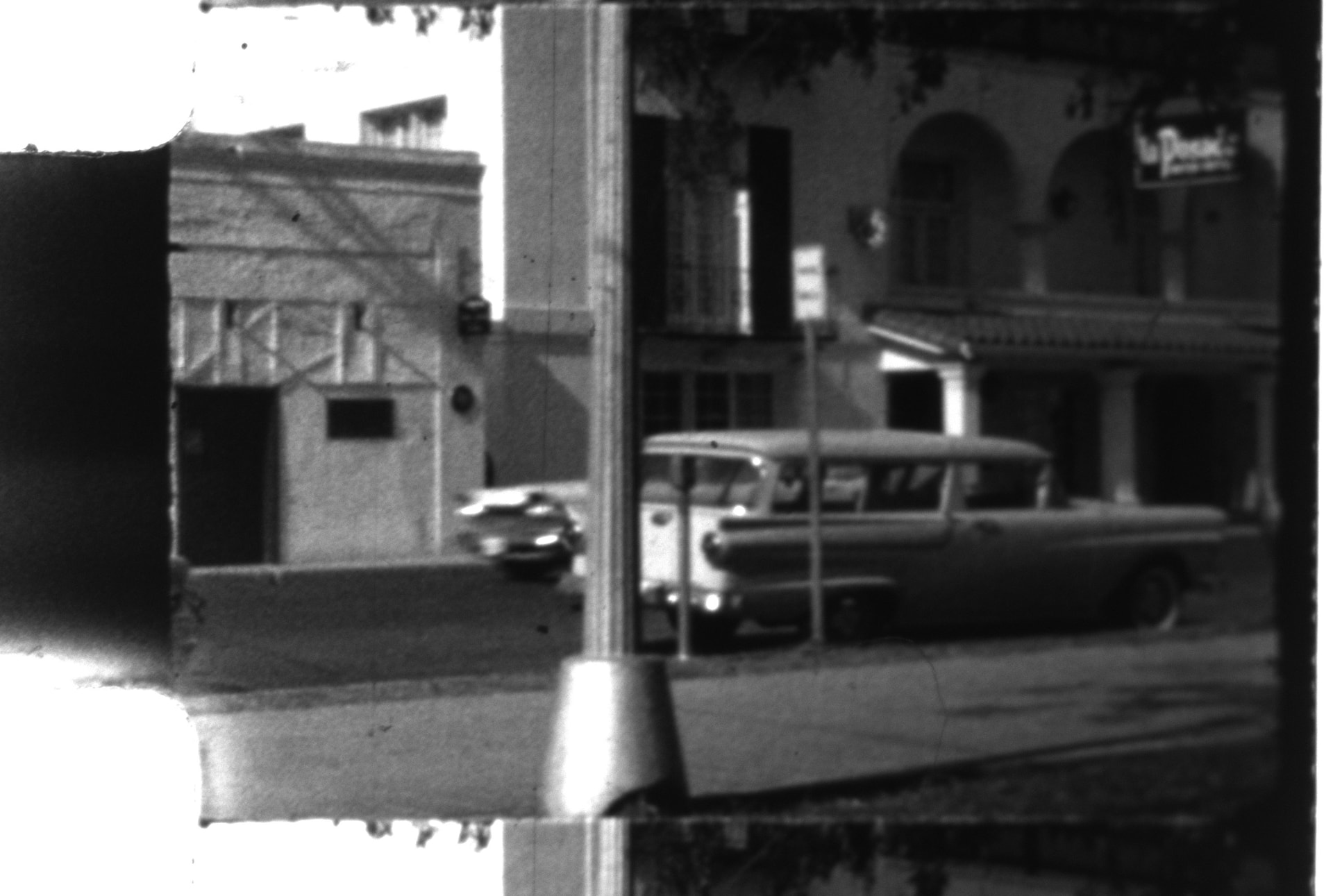
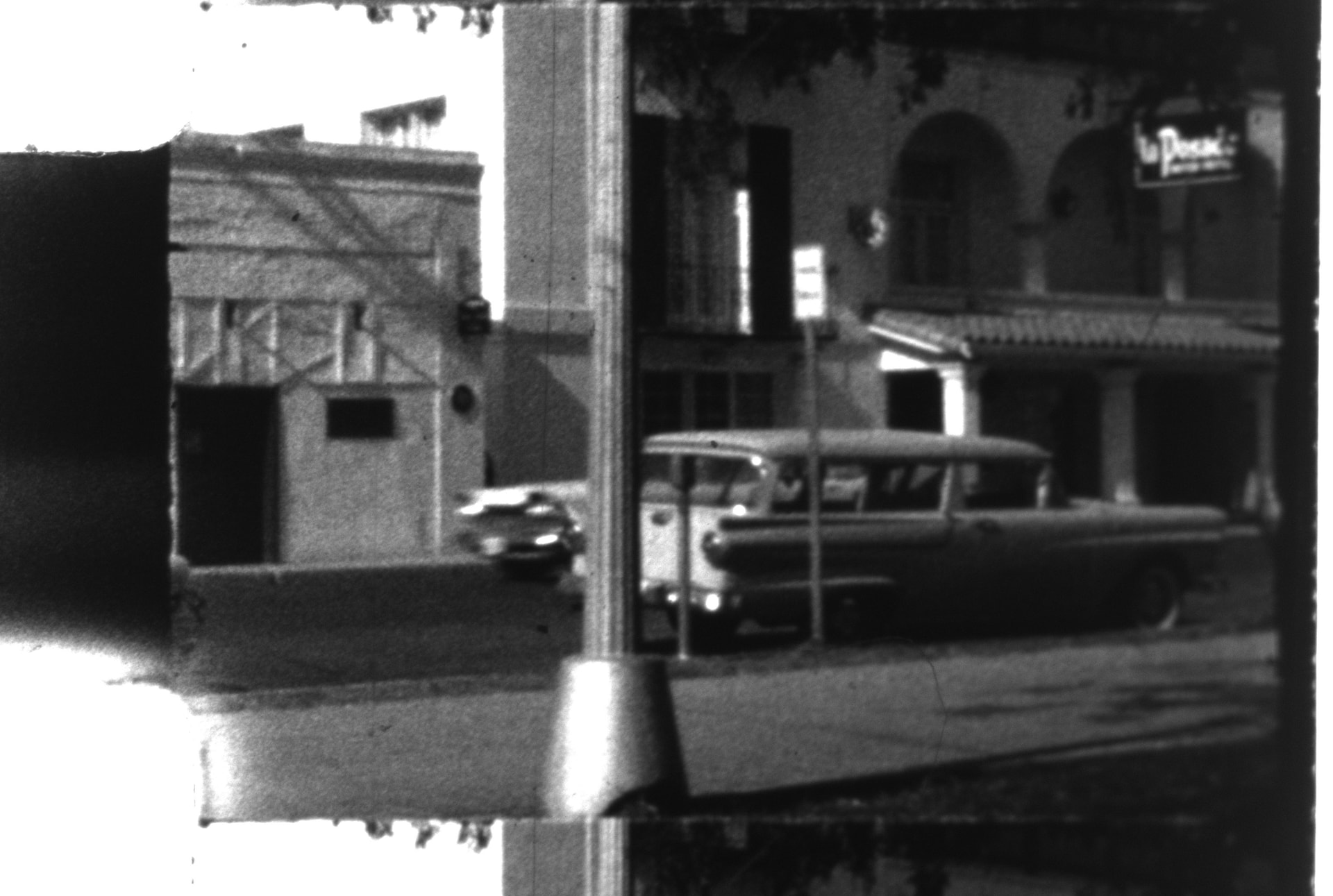
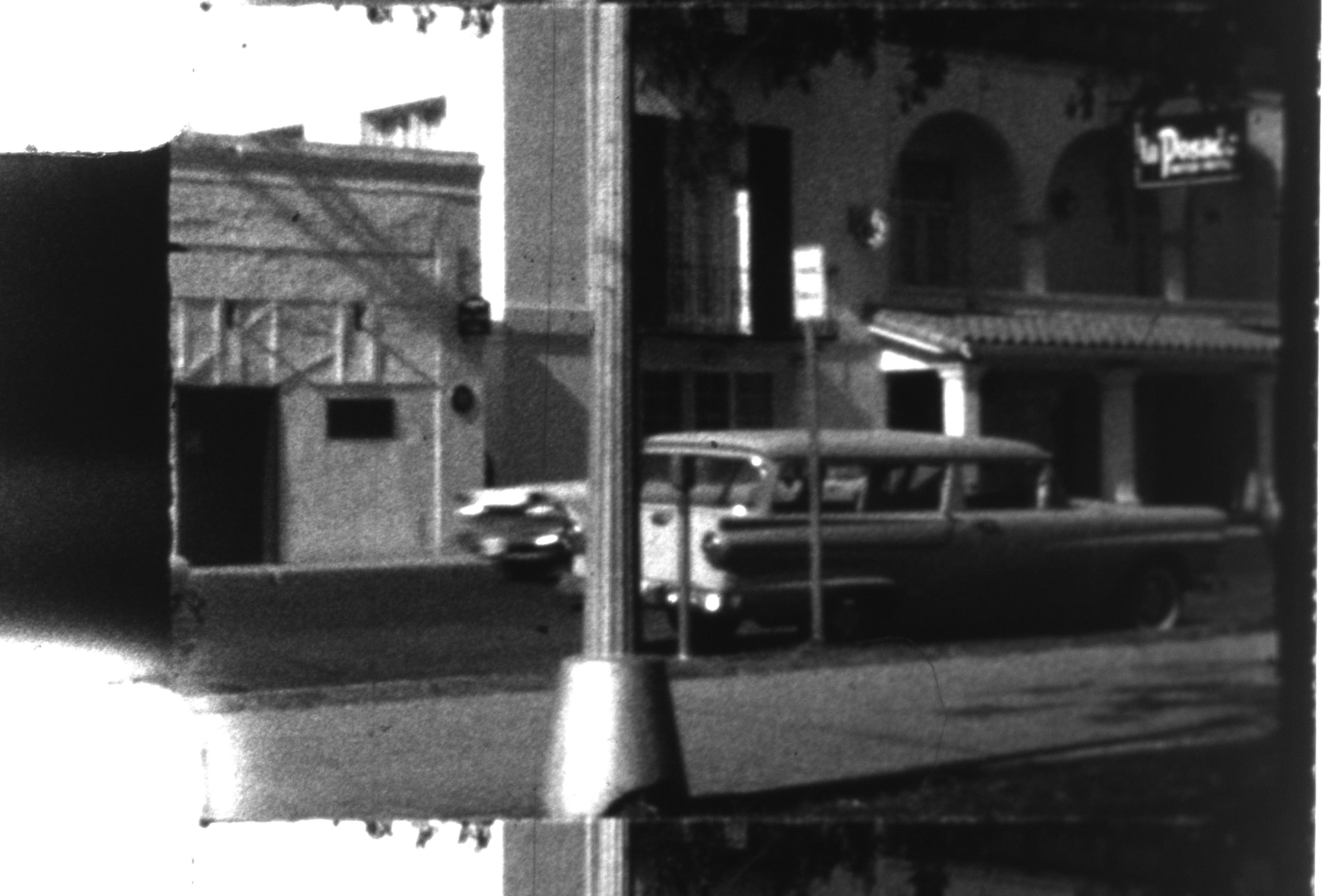
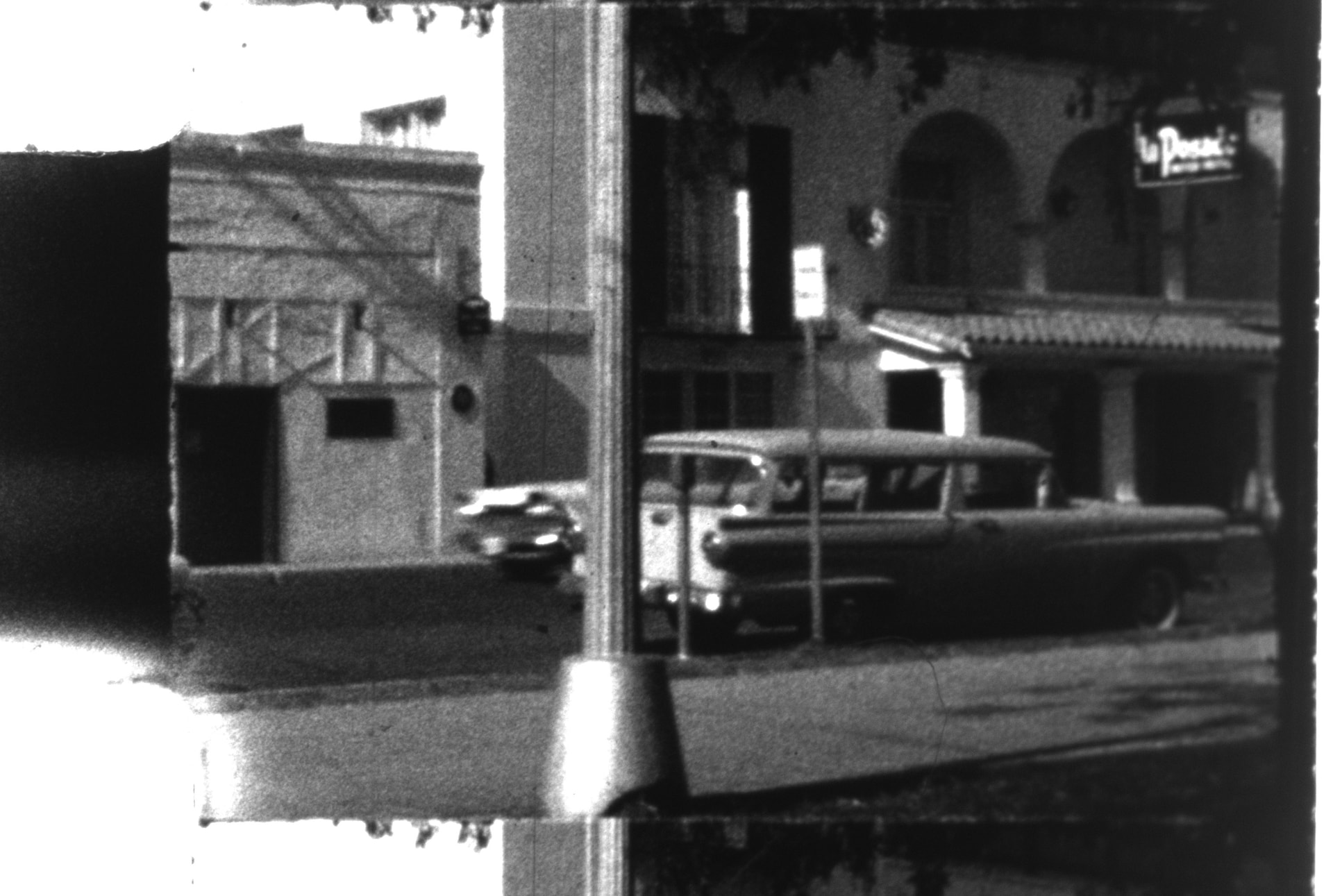
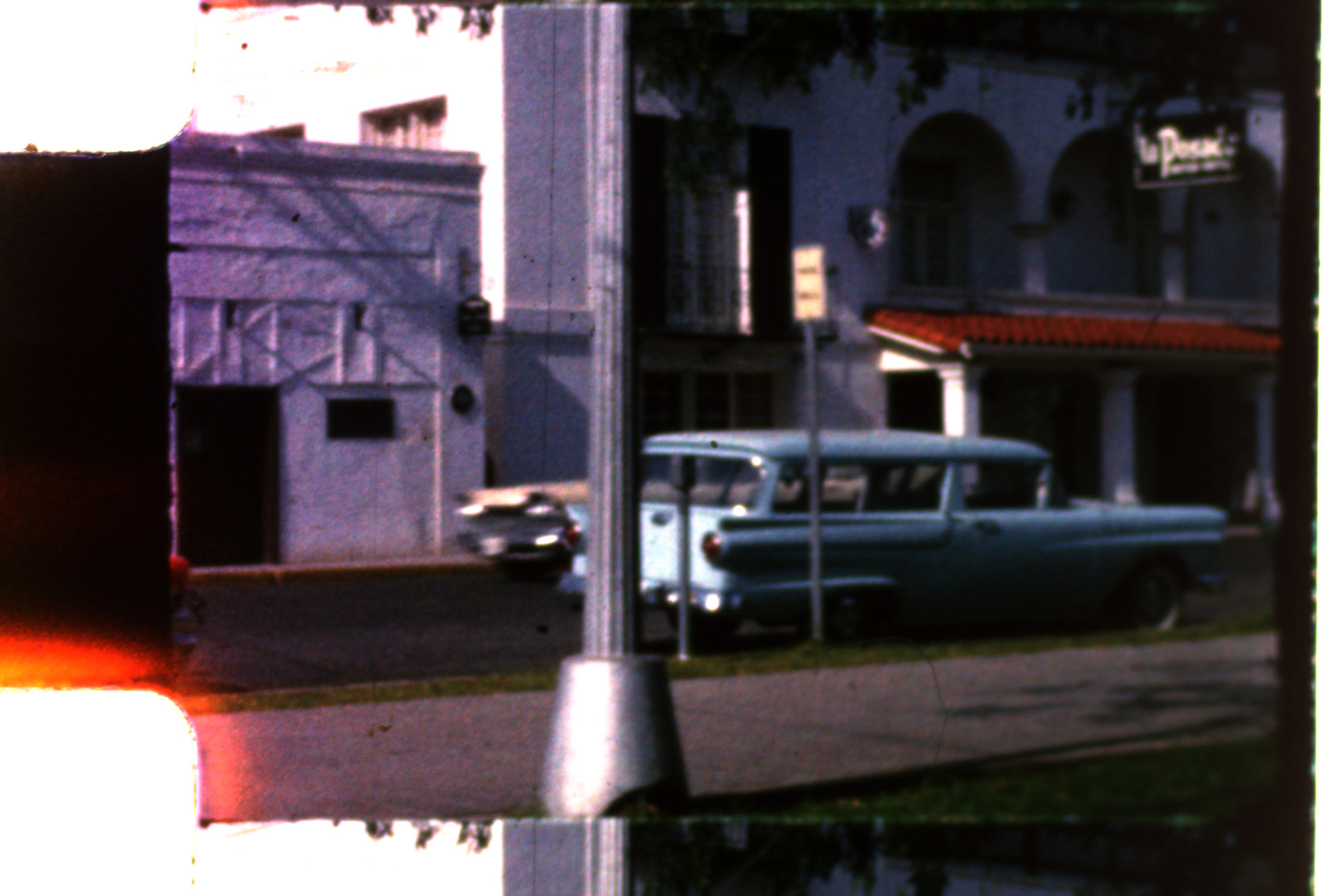
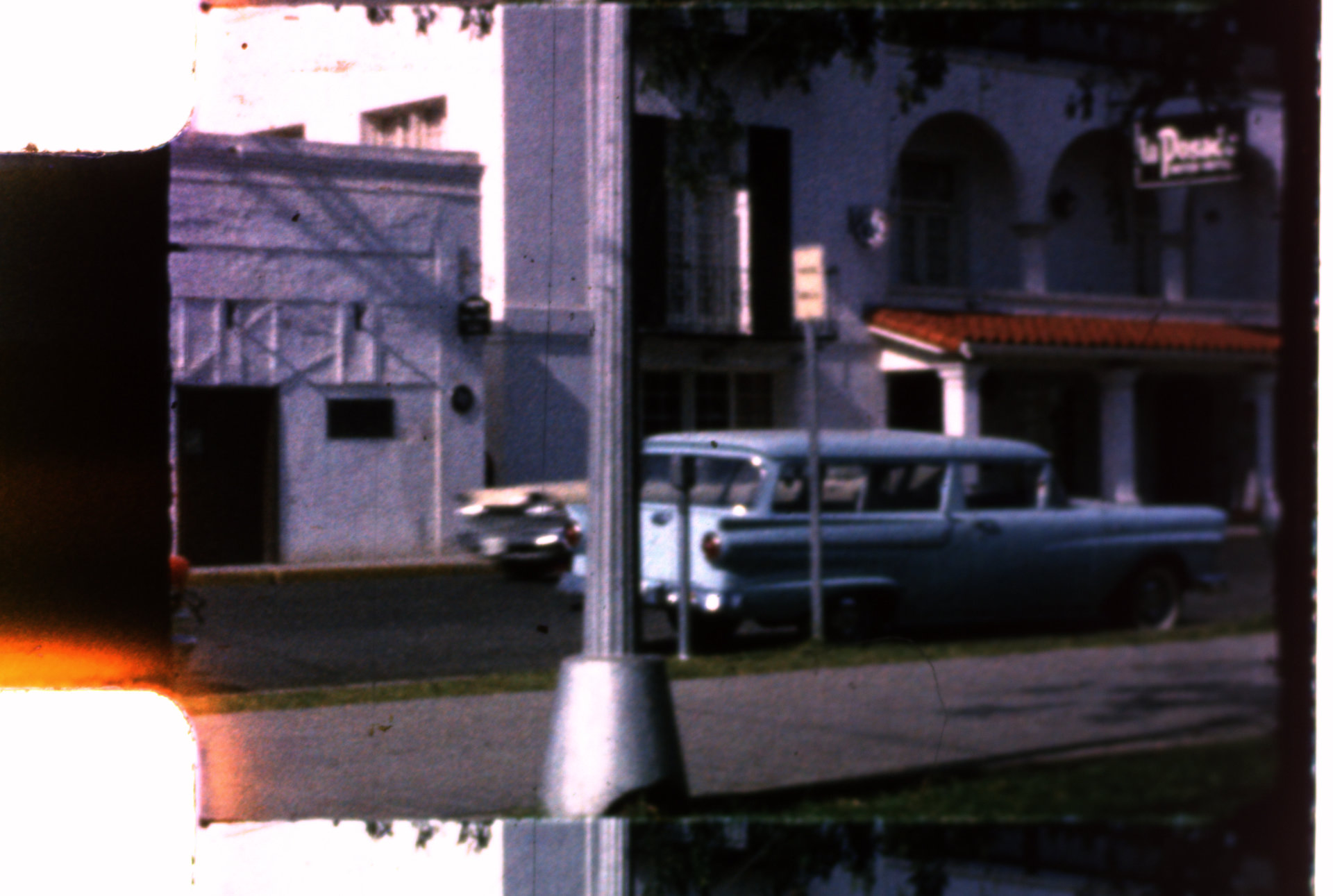
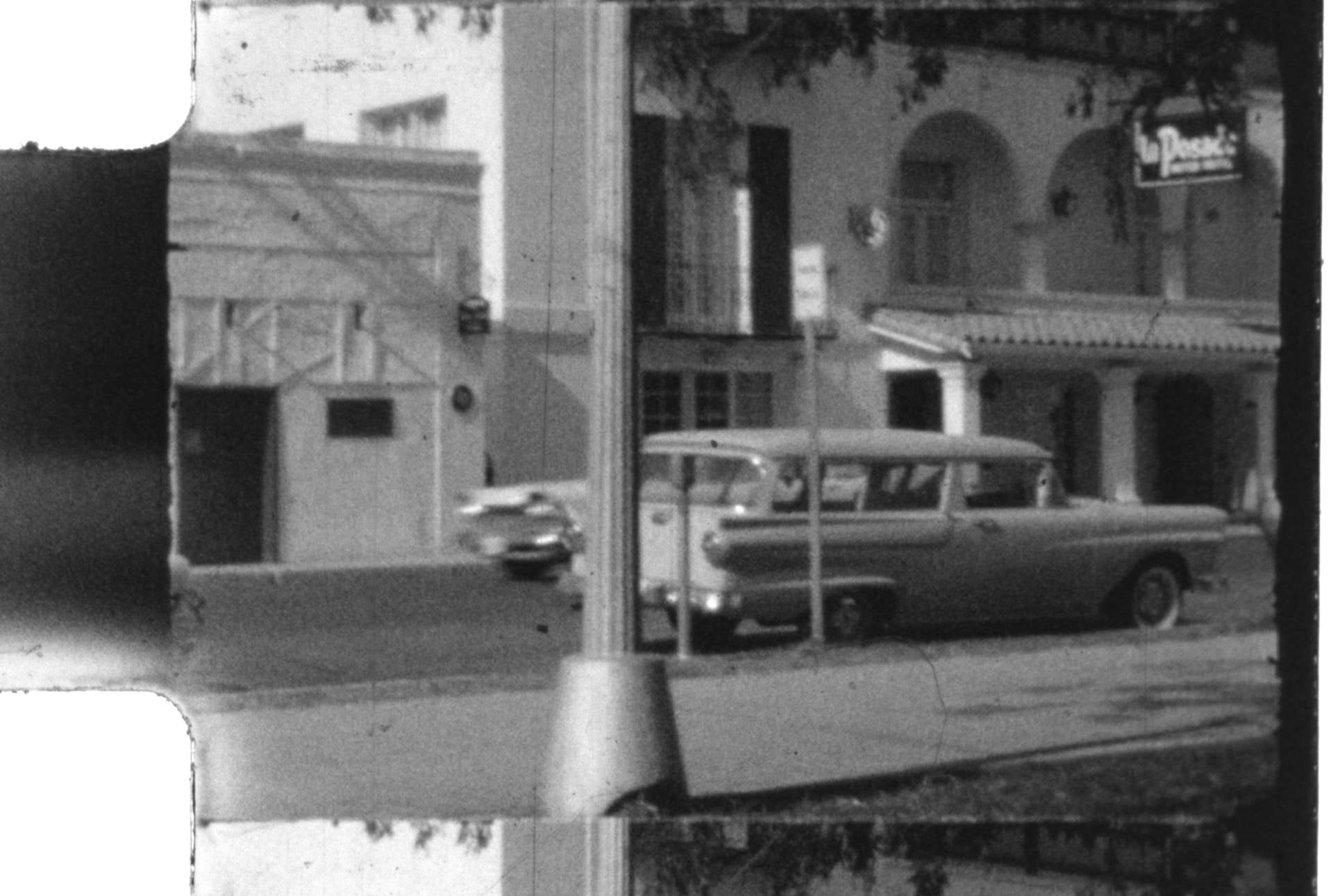
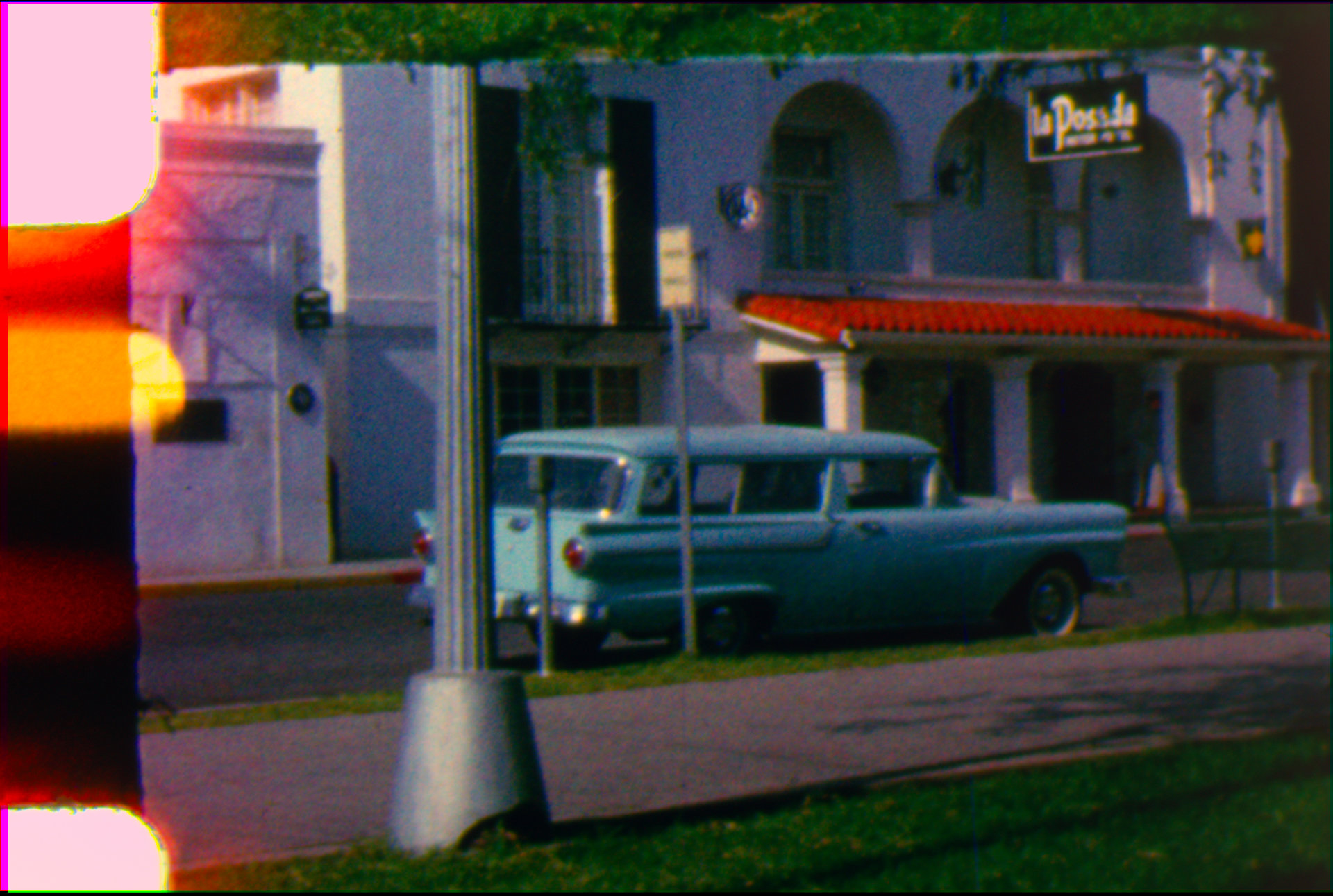
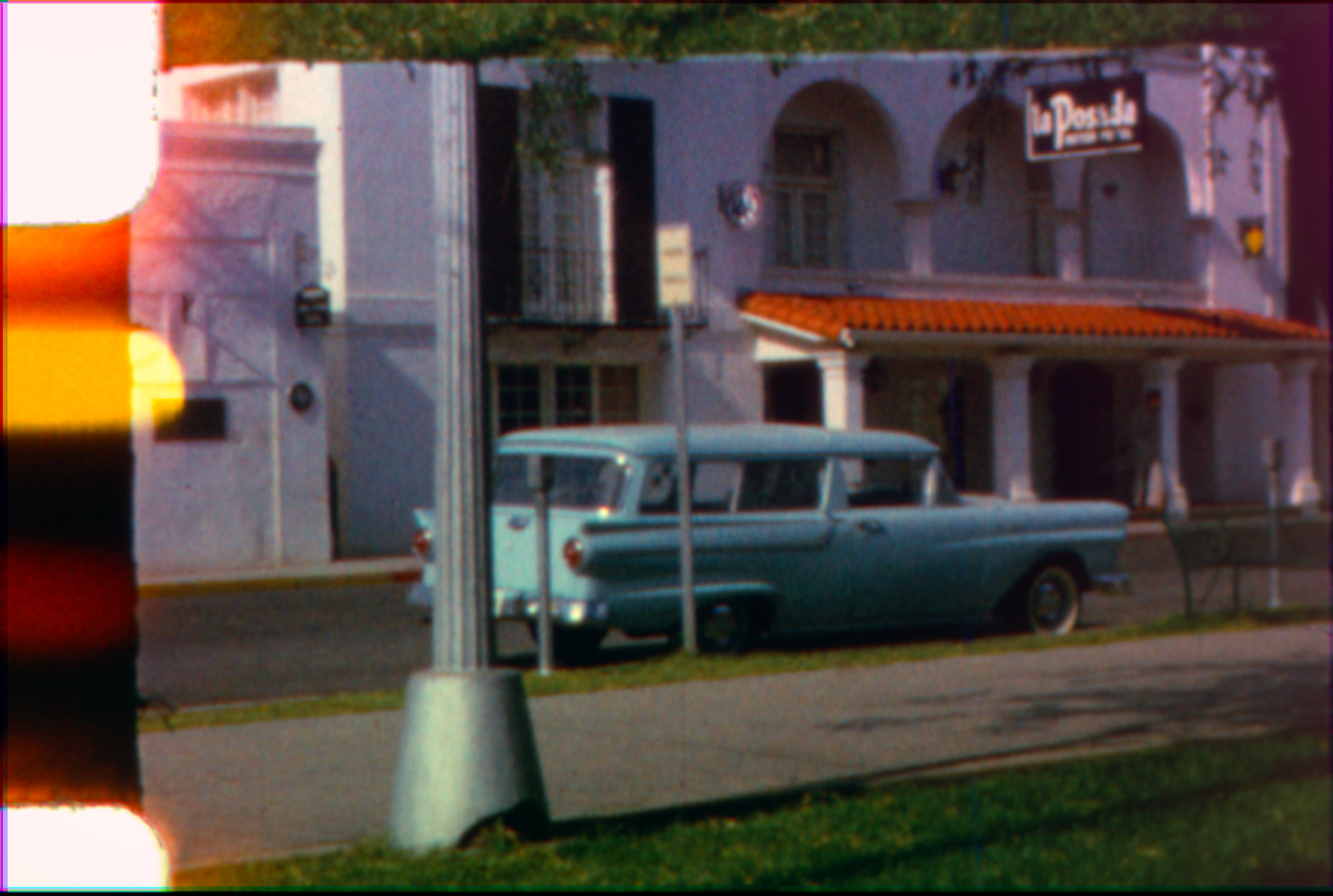
I have done some testing of different LED colors on film to help determine which colors best interact with the RGB information on the film.
LEDs used are Cree J Series JE2835 Color LEDs. I soldered some onto a board so that I could power one at a time.
Film used has “Kodachrome Safety Film” printed on the edge.
Camera is a monochrome IDS UI-3880CP-M-GL Rev.2
Images were captured by holding the film in a slide scanning adaptor with a ground glass plate behind the film. This attached to the bellows holding the camera and lens (Componon-S 50mm). Using the camera makers software I turned on a single LED and held it behind the diffuser. I watched the preview in the camera makers software to adjust the light position somewhat uniformly. Software was set to auto adjust exposure time so brightness of LED should not affect results.
After capture I used imagemagick to combine the monochrome images into a single RGB (magick red.tiff green.tiff blue.tiff -combine output.tiff).
I will post the images I captured below. The frame captured I think will be useful as it contains a red roof, a blue car, and some green grass. I am curious to hear some other opinions about which images show the best seperation of the red/green/blue of the film.
Welcome to the forum and thank you for posting your results.
I also got 2835-form LEDs for multiple bands (LUXEON 2835 Color Line), similar bands (but no violet), but haven’t lay them out in a PCB yet.
As you may have read, there is a long debate about narrow-band vs wide-band (or white), and it would also be interesting to see more than one LED combined into a color channel and compare the multiple band vs single band results.
It would be best that none of the images are clipped to do the combination. The side-wall and the lamp-base are clipped.
I would love to see the results of:
R = 0.5 Red-Orange + 0.5 Red
G = 0.25 Cyan + 0.5 Green + 0.25 Amber
B = 0.25 Royal Blue + 0.5 Blue + 0.25 Cyan
Compared to:
R = Photo Red
G = Green
B = Royal Blue
PS @dswanson it would be great to have these without any gamma correction, in other words linear values.
My original images are 16 bit TIFF’s. I could get those to you somehow if you wanted to try something with them. Not sure if there is a good way to post them, as they’re about 10MB each.
The adding multiple images per channel is interesting. Wondering if subtracting images could help isolate the color channels.
Here is a link to another series of images. This time I manually controlled exposure on each frame to not clip any highlights, and the gamma was set to 1.0. These are the full size .TIFF images that are too large to attach here.
David, thanks again for sharing your capture. Please note that some of the source images in the set are slightly shifted. Did my best for recentering by shifting in resolve. The same set is used for both color blends.
I also noticed that in the Red LED capture, if I am not mistaken, it looks like there was light bleeding particularly noticeable in the upper right corner. Normally I would have preferred to use this as the main channel, but because of the bleeding shifted the weight to other LEDs. Not sure if the bleeding is in the film or was an issue at capture.
From these experiments, the 3 LED combination produces well separated colors with sharp transitions. But for my taste these look a bit harsh, almost like the film was colorized.
Working with a combination of more than 3 LEDs (10 in the test above) additional color details/transitions are evident. For example, in the base of the lamp post, there is green reflections, changing the metal color slightly between the base and the post. Those are completely gone in the 3 LED RGB only mix. The same can be seen on the sprocket hole red cast. The fading produced on the image has subtle color transitions on the 10 LED vs a much harsher transition from light yellow to pink on the 3 LED.
My initial conclusion is that multispectral is a valuable tool, which combines color separation of narrow band and color definition of wider band.
David, your captures no doubt are a motivation to work on the PCBs and complete the work on my scanner to add multi-band capture.
Thanks for trying that out Pablo, now I have more to think about.
When capturing this set I was more hurried. I’m sure the frame shift was from me touching the film holder, glad you were able to work around it.
About the LEDs that I was using, looking at the spectral power distribution on the datasheet, there is a jump between the green and amber colors. Leaving a gap around 550nm. Wondering if the set of LEDs that you have has the same gap?
The ones I have are Lumileds, and have similar gaps. At the time I chose the Lumileds because availability, but I may look into other options today particulary to replace/complement green.