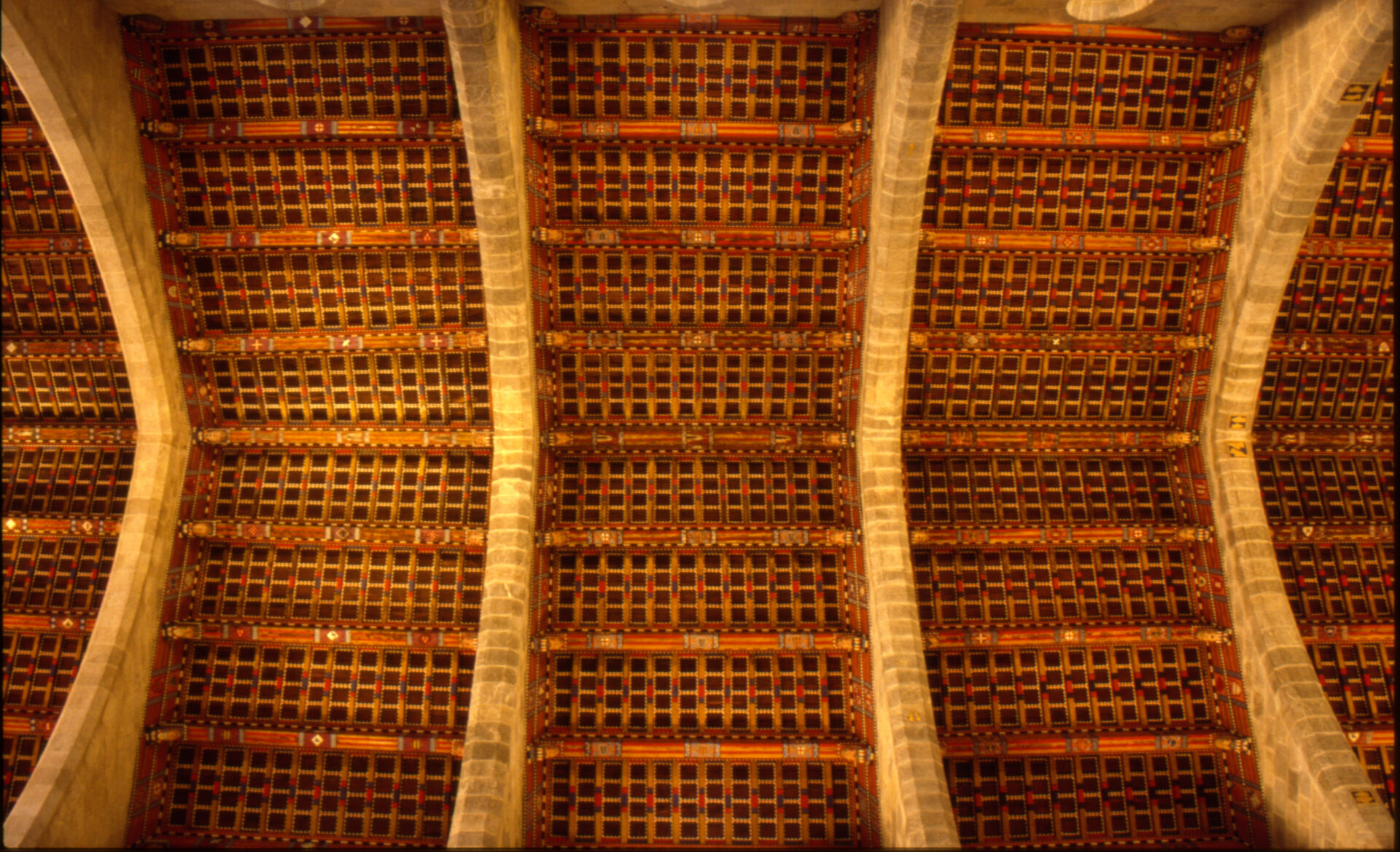
Good to see the color gang still active in the forum.
@Manuel_Angel I have been experimenting with color chart imprinting (what I called synthetic color chart) and can share some insight.
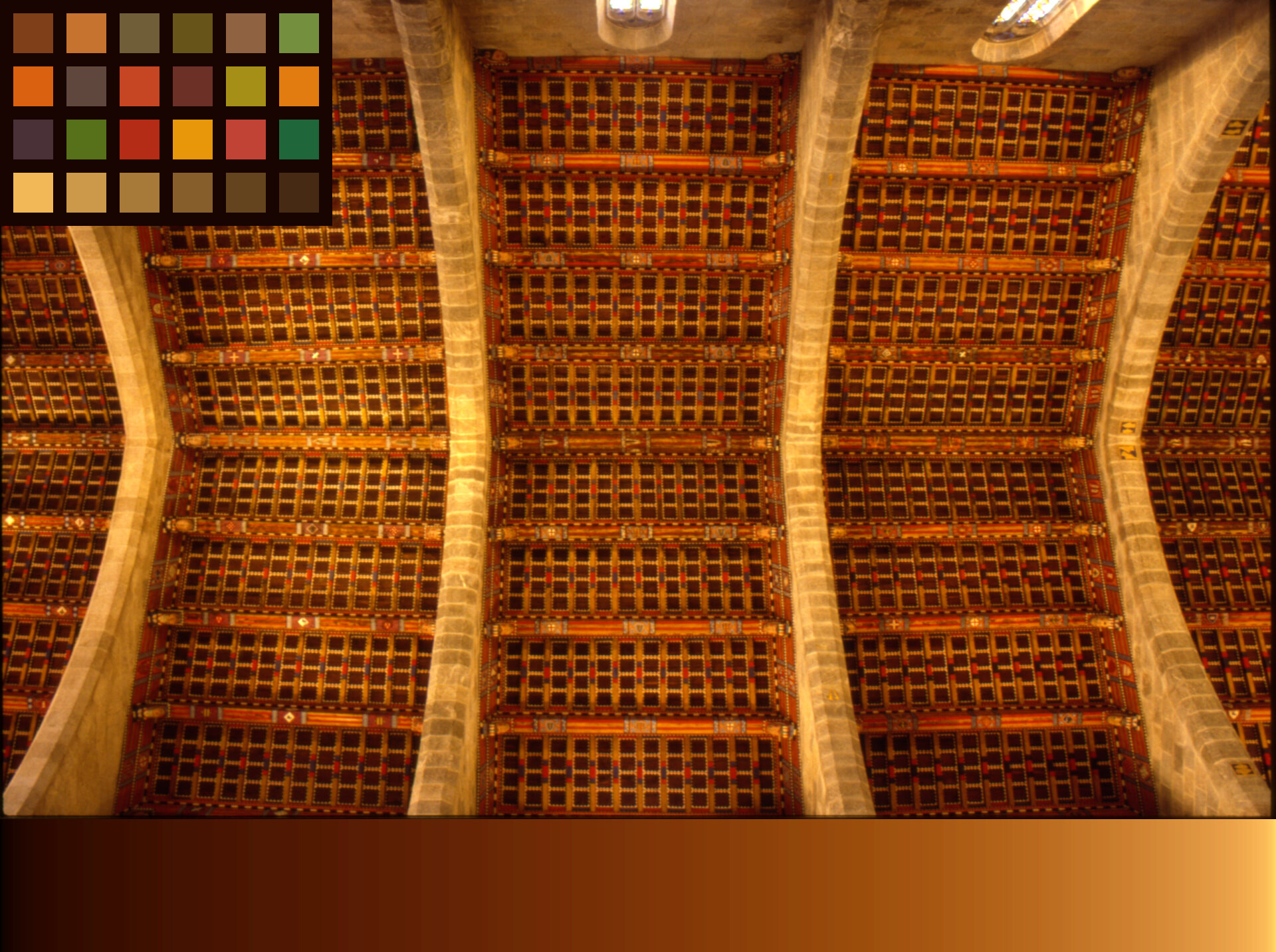
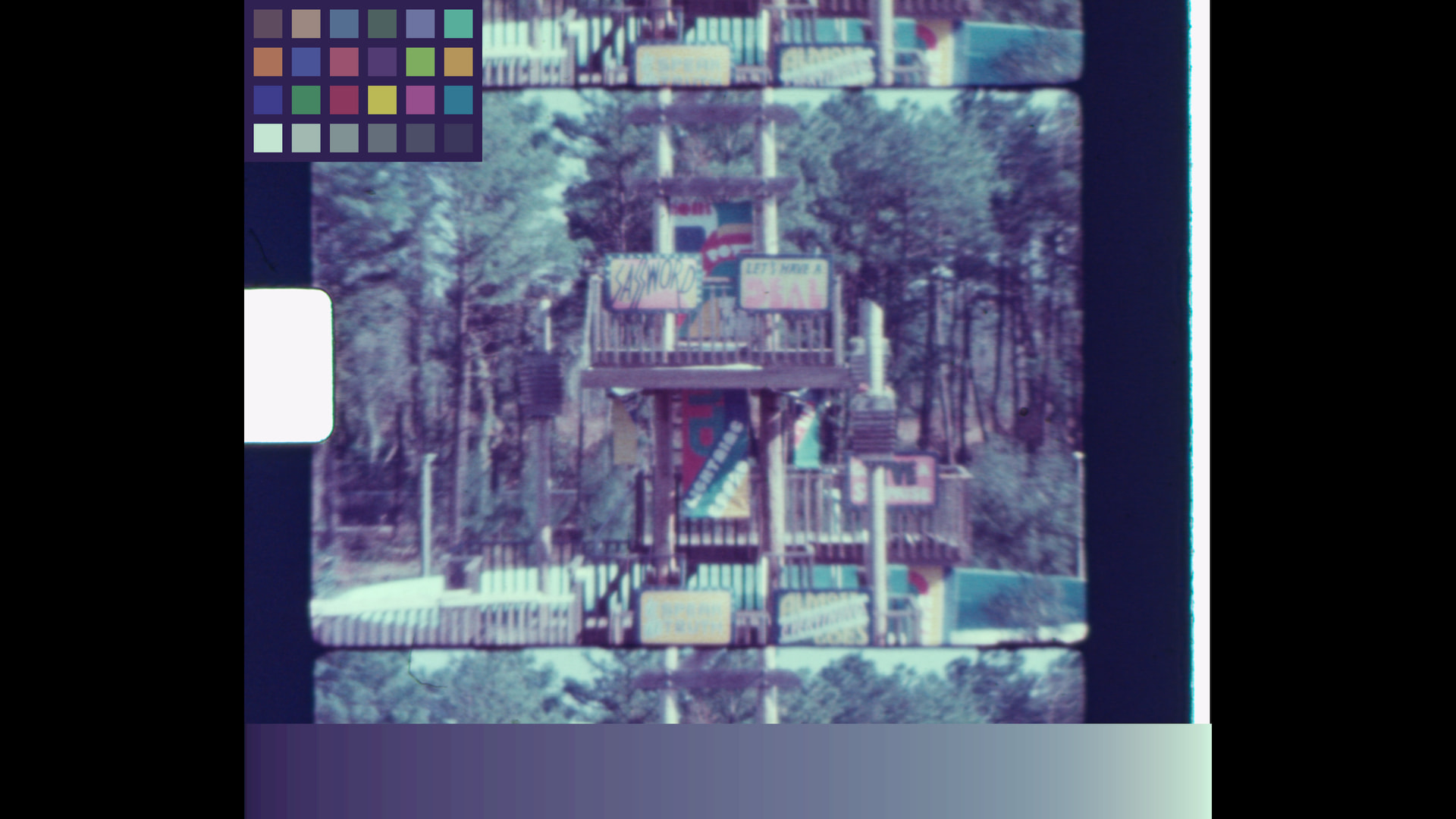
What I have done is to find the minimum and maximum for each color channel in the area of interest (aoi), and then use those values as the light in the scene to create a simulated color chart as it would have been illuminated with the primaries of light at the scene.
In selecting the aoi is important that there are no clip components (black or white), otherwise, the clip values would have matching/clipped RGB values and defeat the selection. Note that this method is not suitable for every scene, as it requires that there is some relevant near white and near black exposed areas.
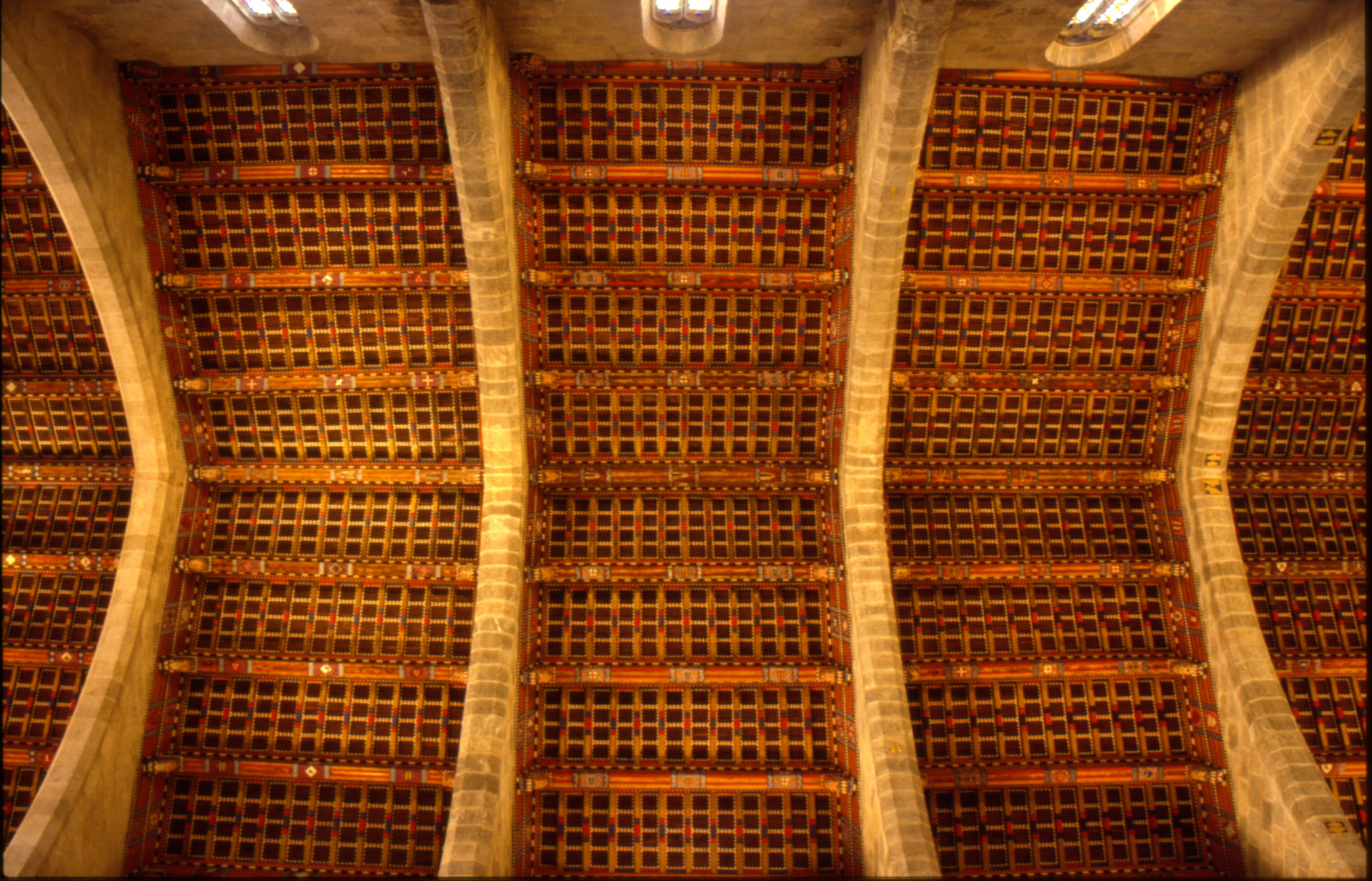
For your image, this is the area of interest chosen (excludes the windows):
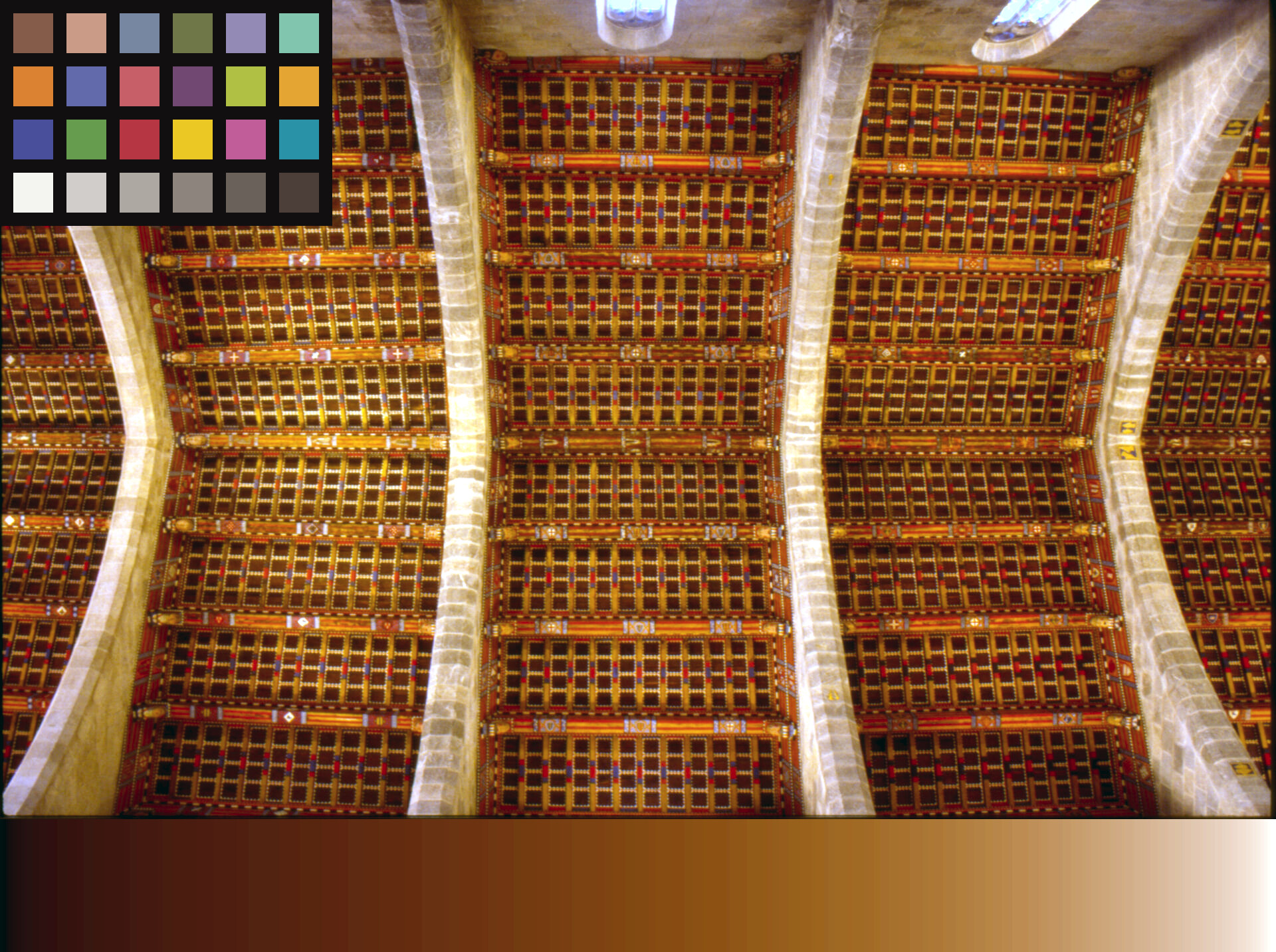
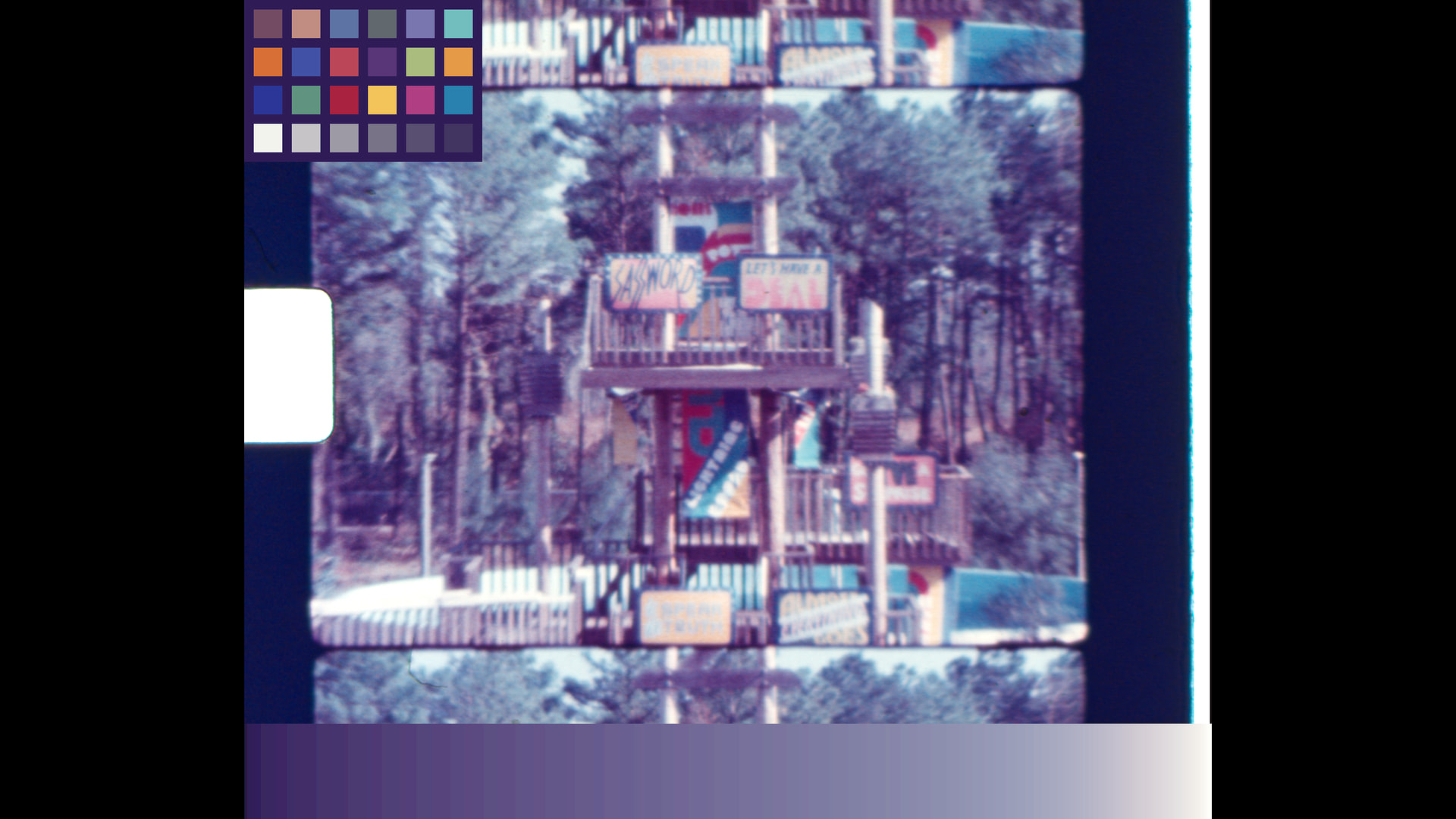
The resulting image with color target:
Note if the image is linear, the patches on the color target will be linear, if there is gamma, the values for the patches will not be linear (gamma), as in the above image.
In Davinci Resolve, I prefer to work on a linear gamma on the clips, and then at the timeline go from linear to whatever gamma/color space is needed for the output. For this test the timeline colorspace is sRGB.
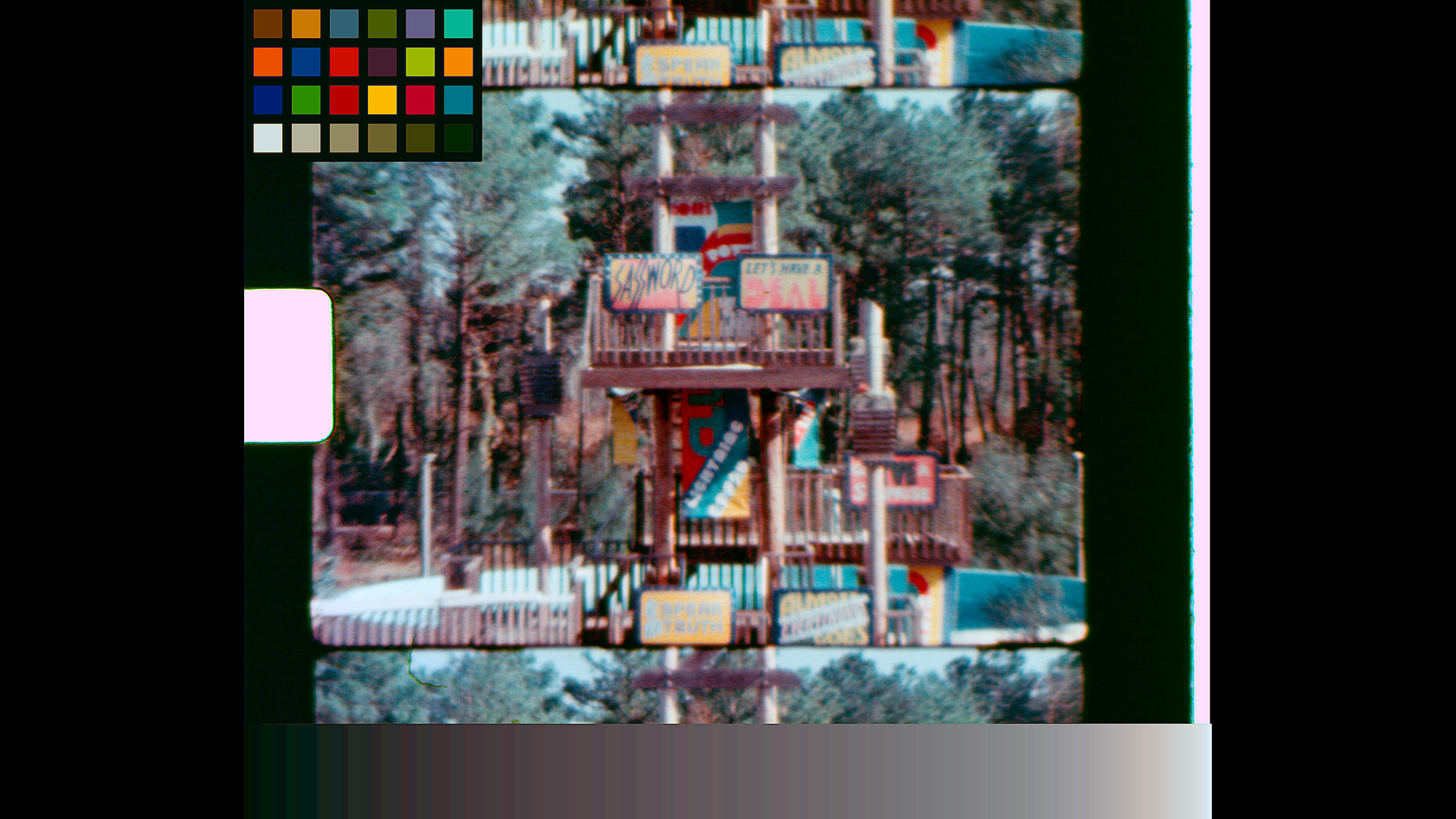
Since the image posted is not linear, a first clip-node with color space transform (CST) was used at the clip to go from sRGB Gamma 2.4 to sRGB Linear. The second clip-node uses the imprinted color chart for the color match. Nothing else was done for the test, normally one would have a third clip-node to adjust for color correction/taste.
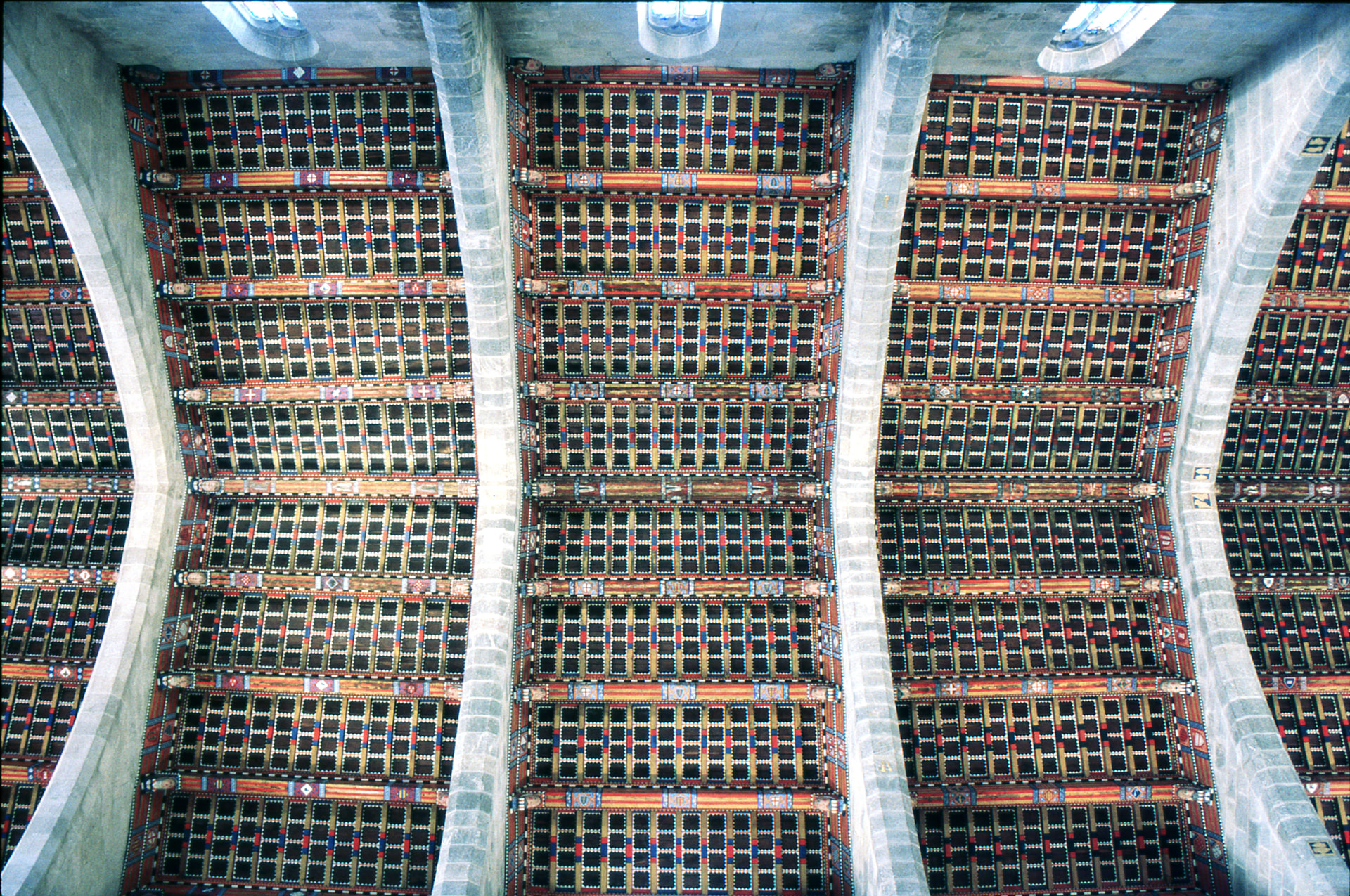
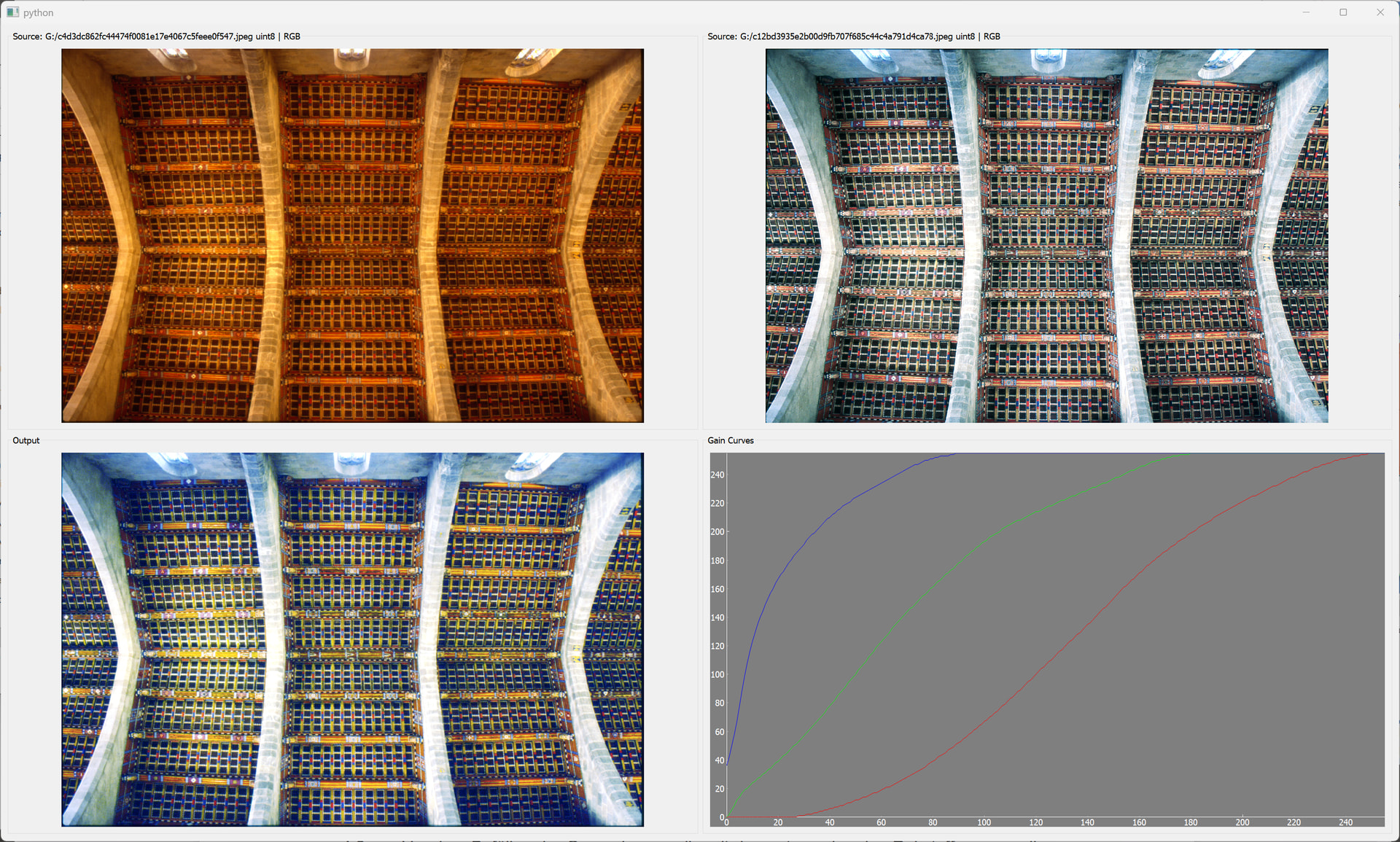
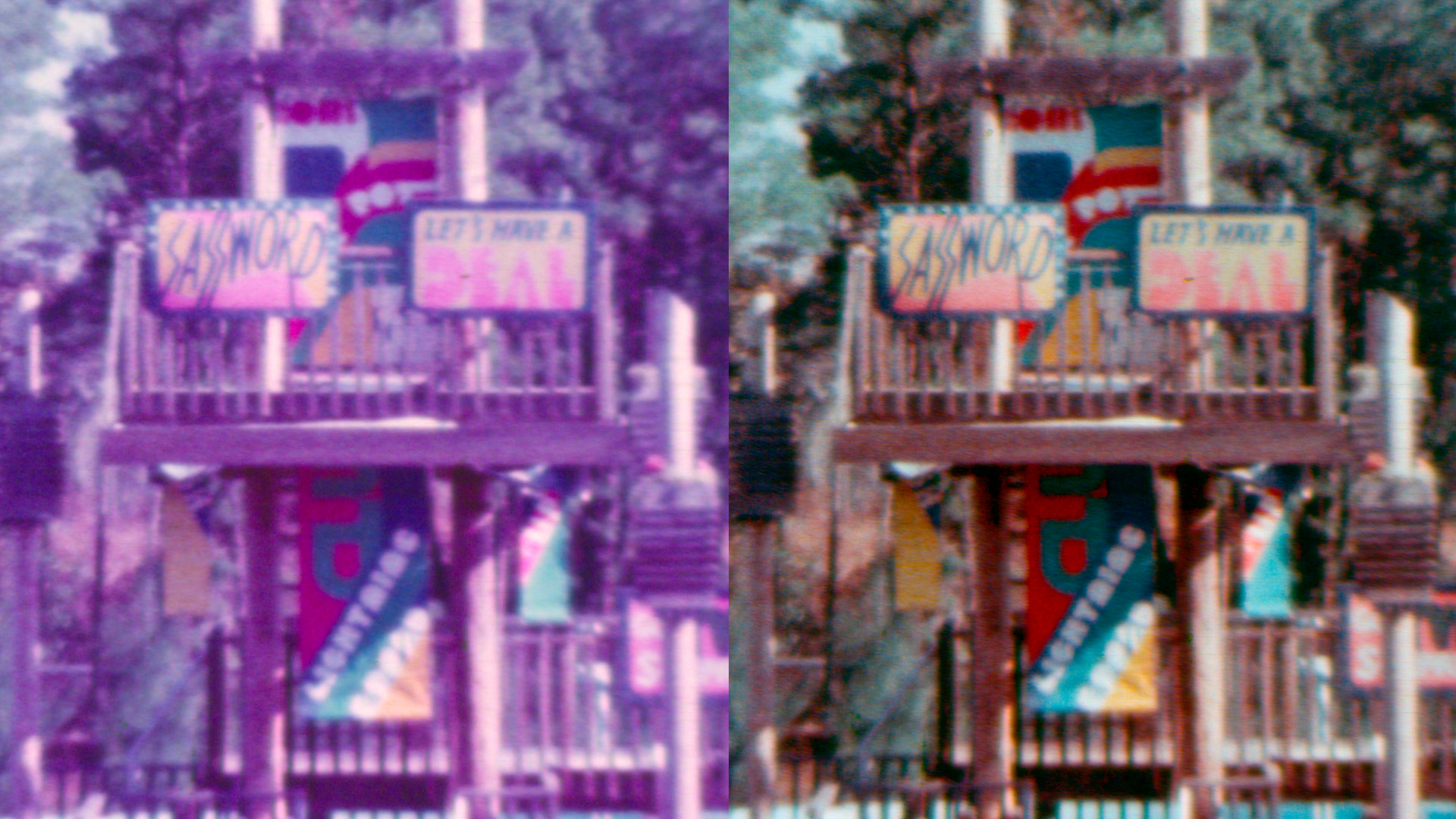
The image resulting from the color chart correction, in my opinion, is more natural (even without any taste correction). I think the results of the Epson Color Restoration algorithm for this particular image somewhat distort the color of -what I believe is- the wood trim around the colors of the ceiling.
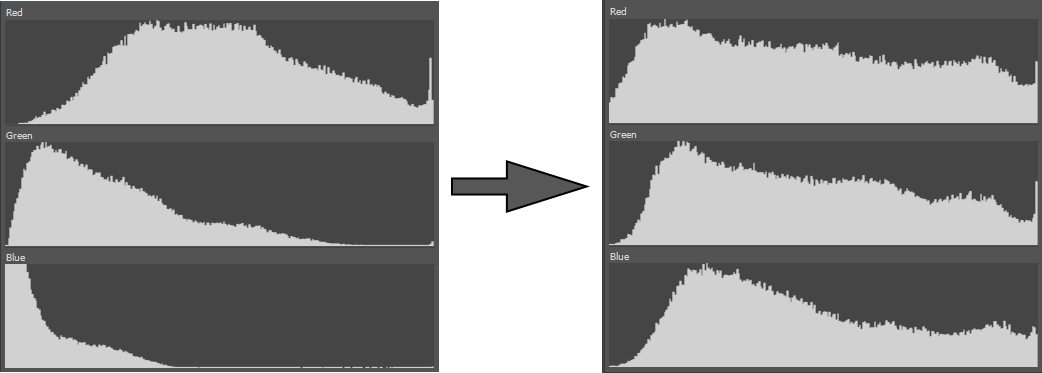
If I understand correctly, all the color chart does is to adjust the RGB component start-end (Rmin/max Gmin/max Bmin/max). However, doing so at scanning (at 8 bit or 12 bit) would not produce smooth results. For that reason, I chose to use this tool during color correction, especially since this method would also aid in color correction of unbalanced content color (not just faded film).