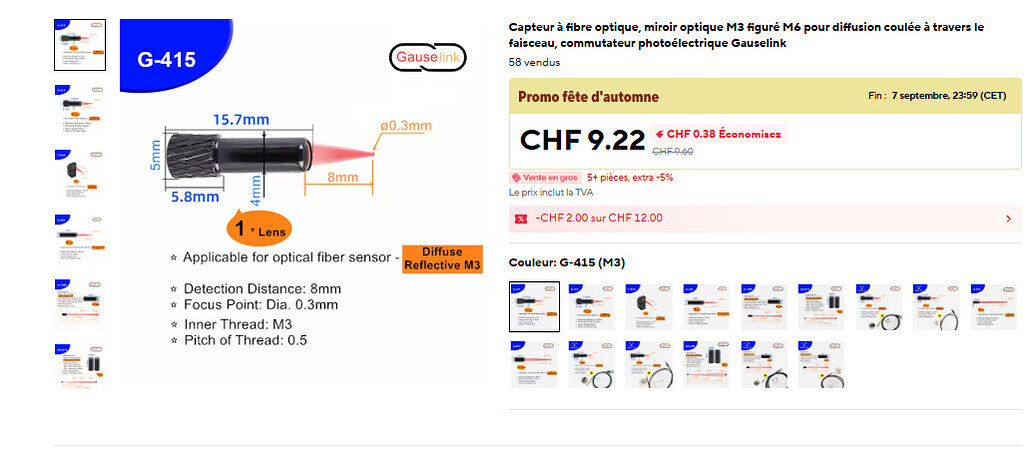
Not really. Again, try Claude Code. design and build the hardware frame the way you want it. Take good pictures, or provide CAD drawings in an image format it can read. Provide the specific model numbers of the sensors you’re using and make sure they’re working correctly with the Pi. Same with the motors/drivers. Make sure you’re clear about what is supposed to happen and let Claude have at it. Honestly, I had the microfilm scanner up and running in a week using the free version, and that included making design decisions and changes on the fly and iterating the code many times. And that was almost a year ago. The quality of the code it produces now is significantly better. And if you’re working in something like Python, it can even sandbox its own testing and simulations before presenting code to you, so you’re more likely to get something that just works early on, as long as you’re succinct in your prompts and you keep it focused.
They’re not servo controlled arms. The feed and takeup spools each have a motor behind them, yes. But the tension arms are just a shaft on bearings, a spring, and a metal arm that extends off one end of the shaft. That arm has a roller on it that the film goes around. On the other side of the shaft is a 3D printed frame that holds a cheap magnetic rotation sensor. On the end of the shaft itself is a 3D printed sleeve to hold the tiny magnet the sensor uses. When the arm is pulled in one direction or another, the rotation is picked up by the sensor and sent back to a raspberry pi via i2c. It’s actually quite a simple setup. The feed and takeup motors just have their speeds adjusted based on the tension arm positions. The goal is to keep the arms vertically down, If they pull inwards towards the center, there’s too much tension so you slow the takeup motor to allow it to center. If it’s too far to the outside, there’s not enough tension, so you do the opposite.
You need to teach it where the correct locations are, but claude built a shell script to do that, prompting you to hold the arm in the “normal,” “too taut,” and “too loose” positions, while recording what those positions are. it generated a config file with that, which the motor control software uses. These are machine specific settings, but really only need to be set up once.
You set up configurations for each gauge. When you tell it you’ve loaded 16mm the software would load the appropriate config file, which enumerates approximately where the perfs are expected to be found. Or if you used machine learning to “teach” the perfs to the machine, you’d have to do that for each film guage. but that’s a thing you do once, not every time you use the machine.
How so? As far as I’m aware, the following scanners all use machine vision:
- Lasergraphics Archivist/ScanStation
- Lasergraphics Director
- BMD Cintel
- Scanity
- DFT Polar
- Arriscan
- DCS Xena
That’s pretty much the whole list of high end scanners currently being manufactured.
I wasn’t saying you’d need multiple scanners. I was saying that two ways to do it would be to move the sensor depending on the gauge, or to have fixed sensors in position for different gauges, and only enable the one you’re currently using.