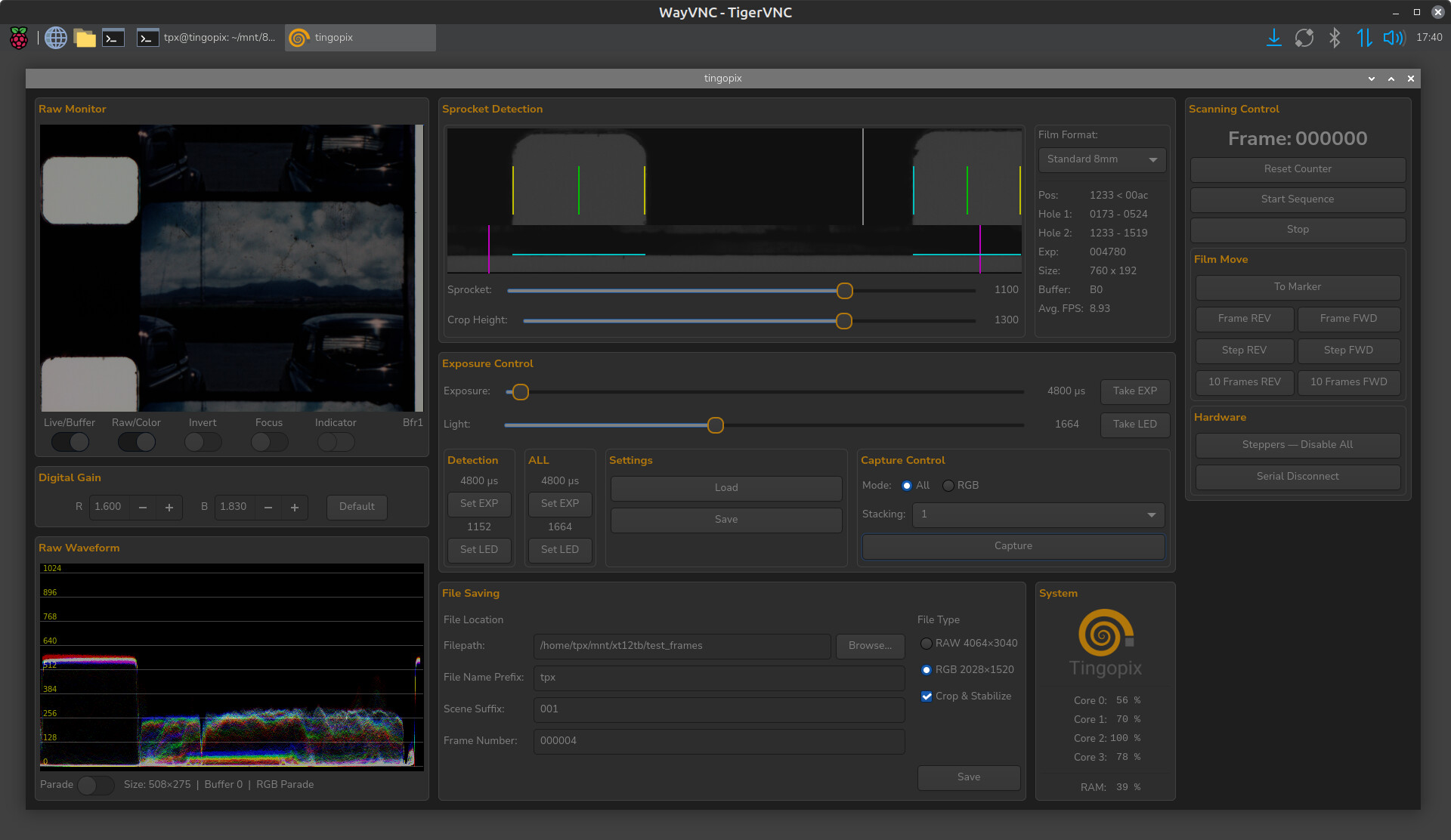
Many posts focus on hardware aspects—camera, motor, lighting, etc.—but far fewer address software aspects.
I think it would be useful to share our experiences on this point.
Capture software should allow the camera or DSLR to:
- Modify settings
- Trigger frame capture and saving
But also, synchronously control the motor, its speed, etc. - Advance one frame
- Forward or backward, etc.
We can consider the following criteria:
- The hardware of the computer (PC/Mac/Raspberry Pi) and the chosen camera
- The architecture (stand-alone or client-server)
- The operating system (Windows, Linux, macOS)
- Use an existing application or develop a dedicated application
- For a dedicated application, choose the language and available libraries
- Portable or camera-specific solution
Firstly, applications based on a Raspberry Pi and the HQ camera are a special case.
Raspberry Pi 4
On the Windows PC: A graphical Python application using Qt
On The Raspberry Pi: A Python application controlling the motor with the PiGPIO library and the Picamera HQ with the picamera library
Raspberry Pi 5
On the PC: A Python Qt application
On the Raspberry Pi: Motor control with an Arduino
Camera control with the picamera2 library based on libcamera
A bit more complicated!
For example, we have my yart project (Pi4) or Manuel’s project (Pi4 and Pi5)
Secondly, for a USB/Wi-Fi camera or a DSLR, here are a few possibilities:
Develop an application with PTP
PTP is theoretically standard, but in reality, each vendor uses specific and poorly documented commands for their device.
Develop an application with the vendor’s SDK
No choice of software architecture or language
Can be complex
Specific and not portable
Use the vendor’s control application
The camera vendor always provides a more or less complete control application.
But how do you integrate motor control?
Using a more universal control application
I see two applications of this type:
Digicamcontrol on Windows
Gphoto2 on Unix
How to integrate motor control
In the end, my two experiences with my Canon EOS 90D on a Windows PC:
A python QT application with:
Remote motor control with pigpio on a Pi4
Capture with the Canon SDK
Works, but there are some difficulties with the Canon SDK
Remote motor control with pigpio on a Pi4
Remote capture with Digicamcontrol
A very good, easy-to-implement solution for cameras supported by Digicamcontrol