@PM490 - there’s a lot going on here. Let’s try to dissect the stuff.
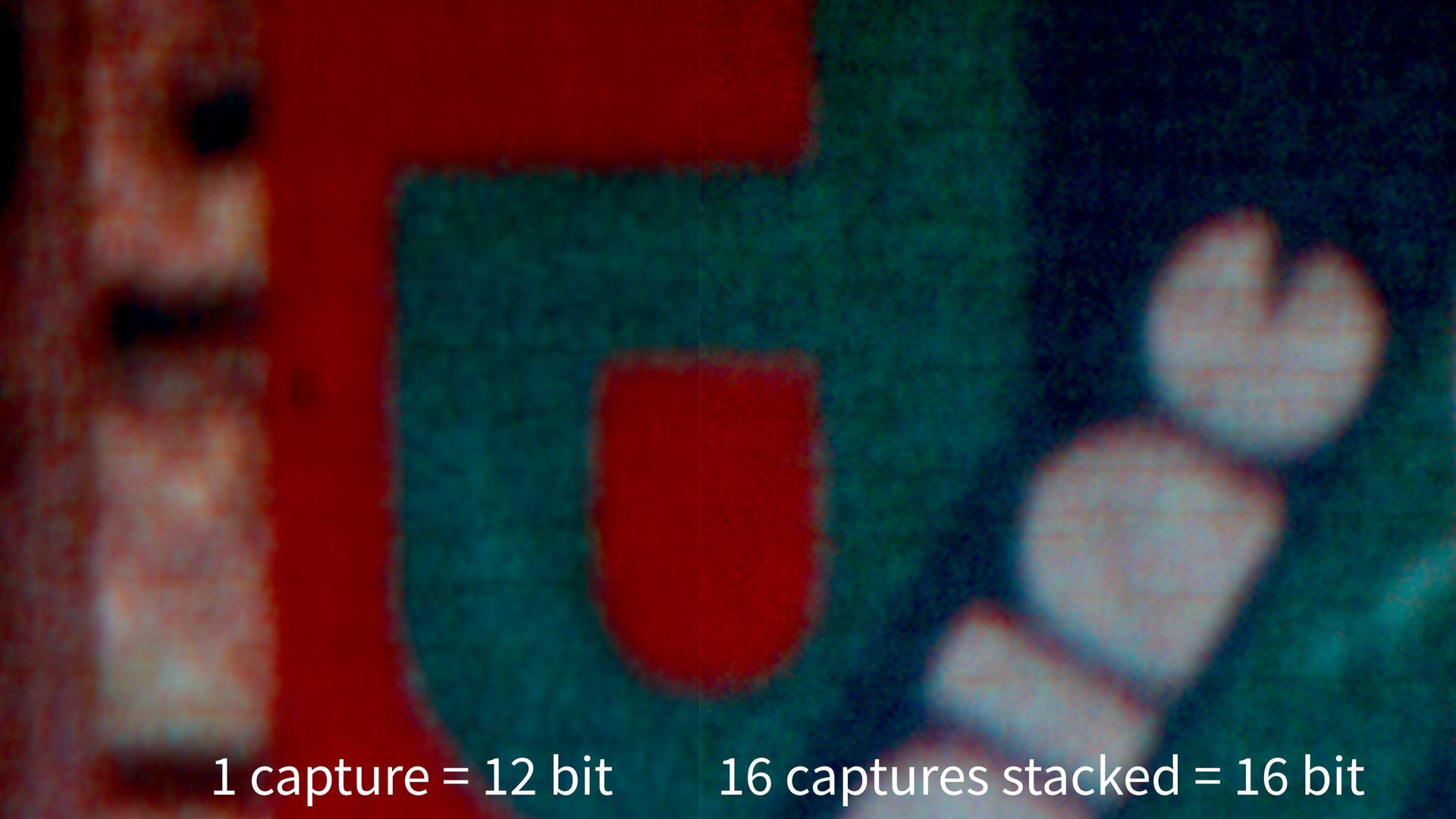
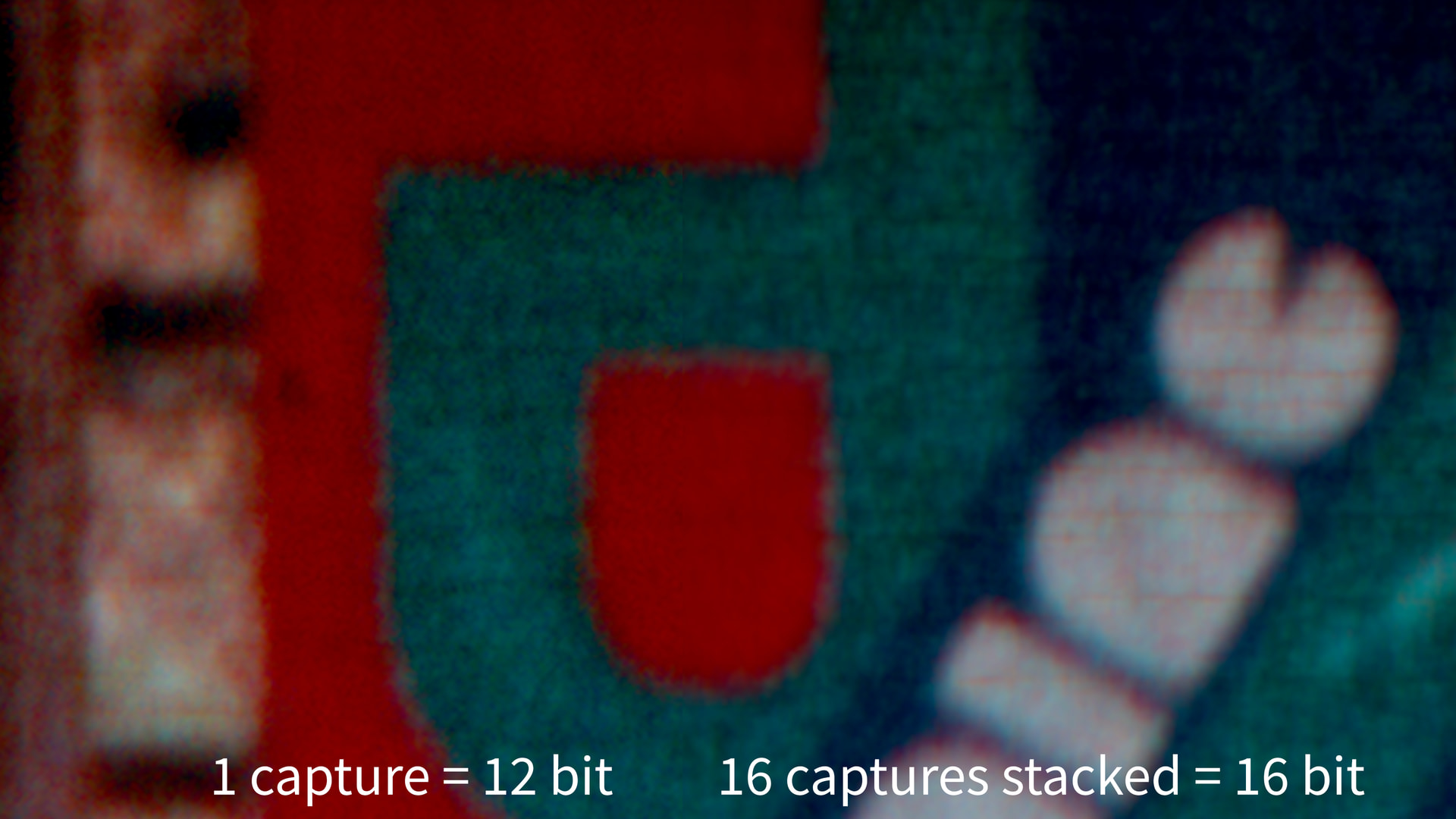
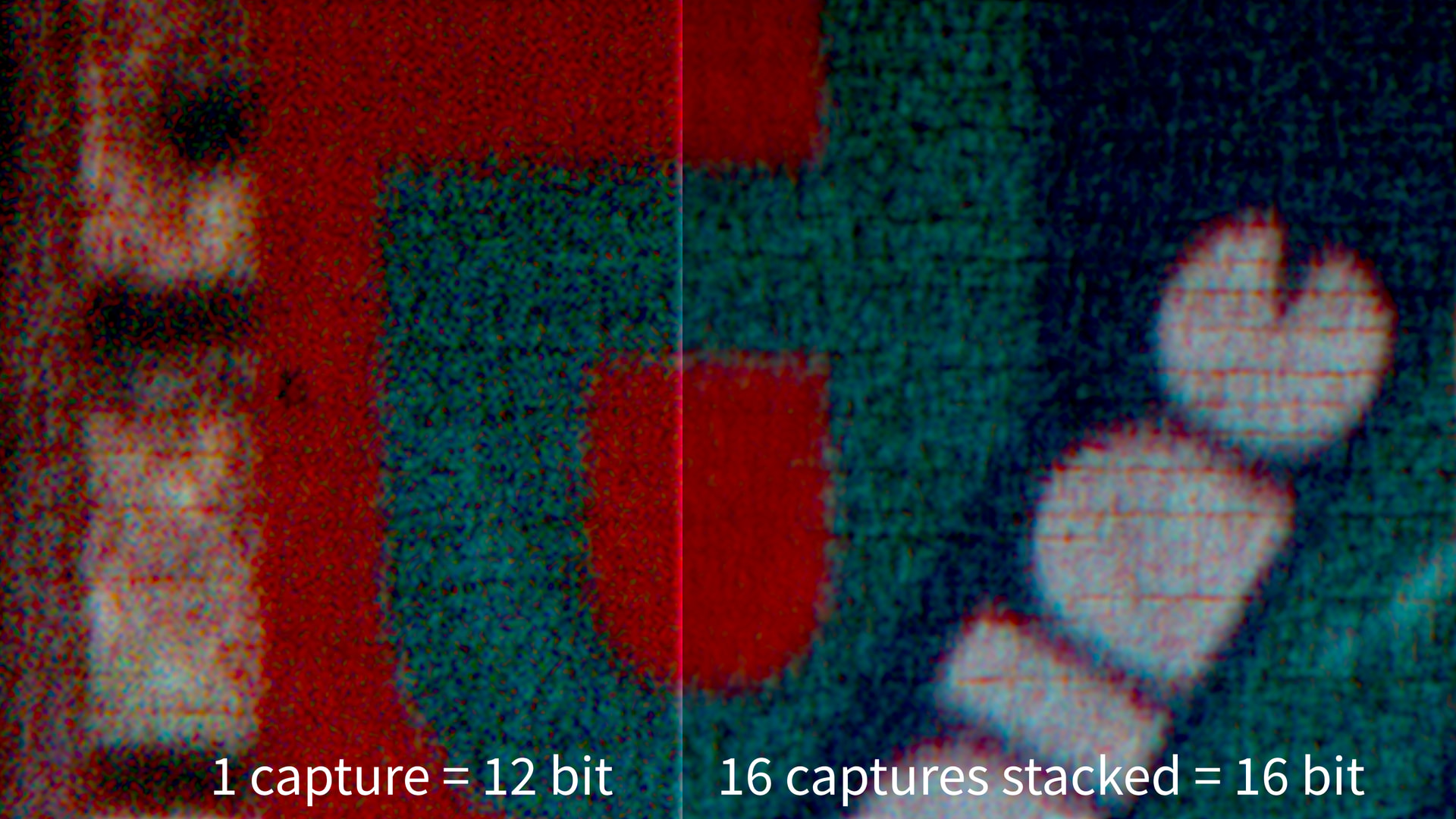
Averaging several raw captures will indeed increase the signal-to-noise characteristic.
And actually, as the HQ sensor can operate at 10 fps with 4k raw resolution, the drawback for 16 captures amounts to “just” 1.6 additional seconds per frame. Depending on your mechanical scanner setup, this is comparable to the time you have to wait after a film advance (as my scanner is made out of 3D-printed plastic, I have some experience here….  ).
).
Which brings me to another point: simple pixel-based averaging will only work if the frame does not move during the different captures. If there is movement, your averaging process will reduce the spatial resolution of the capture. Do not underestimate that challenge when working with small formats like S8 or so. There’s a reason why @npiegdon came up with this nice design.
Basically, if your scanner isn’t mounted on an optical table with sufficient mass, an ordinary house floor will move when people are using the staircase nearby. If the linkage between the sensor and the film gate is not really rigid, you will see spatial shifts between consecutive captures of the same frame - especially in a 4k/S8 setup. You can check whether this is an issue with your setup by actually subtracting captures of the same frame from each other. Ideally (no noise, no movement) the difference should be zero….
One way to counteract this is to run an alignment process before averaging the frames. I think standard astronomy software is doing this when stacking images. They do a lot of other computational stuff too, which increases actually image resolution dramatically.
(Side note: in my 3D-printed plastic based setup, I am actually capturing raw in 4k with 10 fps, with the picamera-lib outputing simultaniously 2k “proof-prints”. Two consectutive 2k frames are subtracted from each other and only if the difference image is below a certain threshold, the associated 4k raw is stored as capture. Normal capture time is 0.2 sec per frame, but I can extend that to 20 seconds or so per frame just by running around the house…)
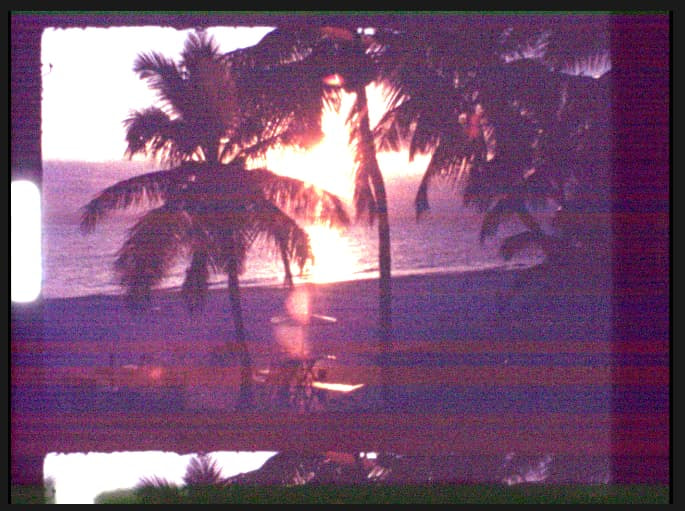
The noisestripes mainly found in dark areas in the red channel and discussed here for a while, are still an unresolved issue. As that stuff is not or barely visible in the final graded image, I never bothered to look into this any further. It might be coming up in your averaging approach again, especially because you have to give the raw converters a decent black level to work with.
The standard approach (HQ sensor combined with the picamera-lib) just works with a fixed blacklevel value. That plays a role in the occurance of these noisestripes. The thing is quite involved technically, but the raw image of an HQ sensor features occationally pixels with negative intensity values once the blacklevel is subtracted - which can enhance the visual appearance of the stripes.
From your description, you are actually doing the averaging in DaVinci - so the blacklevel is already taken into account by DaVinci’s raw decoder. Technically, I do not know what the DaVinci raw decoder is doing when encountering negative pixel values. It might just pass them through (which I assume the BlackMagic-guys are doing) or clip them. In the later case, your averaging process would be different from the one you actually want to perform, especially in dark image areas.
Whether all this is worth the effort is an interesting question. One would need to capture a frame like this (single capture)
and compare it with the combination of 16 captures into a single 16-bit raw.